Transform Your Mix Chain Into a Creative Playground
Mixing plugins do not have to be the boring part of music production. They can shape the sound itself in bold, emotional ways, not just fix problems. When you rethink how you use them, the mix chain becomes a creative playground instead of a cleanup step.
Take a simple drum loop or a basic synth line. With standard settings, it may just sit there. But when you turn EQ into a tone sculptor, push compression until it breathes, and drive saturation into new colors, that same loop can become a dark cinematic pulse or a bright, energetic lead. By the end of this post, you should hear your everyday mixing plugins as powerful sound design engines that can create texture, movement, and mood.
Why Mixing Plugins Are Secret Sound Design Engines
Many sound design plugins and mixing plugins rely on the same core processes. Under the hood, both often use some mix of EQ, compression, distortion, filtering, and spatial shaping. The main difference is usually how they are packaged and which presets they include.
Mixing plugins have a few quiet strengths that make them great for creative sound design:
- They tend to be lighter on CPU, so you can stack plenty of them into complex chains
- They are usually stable and predictable, which helps sessions stay smooth
- They give you fine control, so you can shape sound in small, musical moves
There is also a big mental advantage. You already know how to use a basic EQ or compressor. When you start with plugins you know well, you move faster and feel freer to push them into strange territory. Instead of searching for a different effect for every new idea, you can build your own signature flavors by stretching the plugins already in your mix folder.
Reimagining EQ, Compression, and Saturation as Shapers
EQ, compression, and saturation are often treated as fixers. They can also be your main sound shapers if you stop being too careful with them.
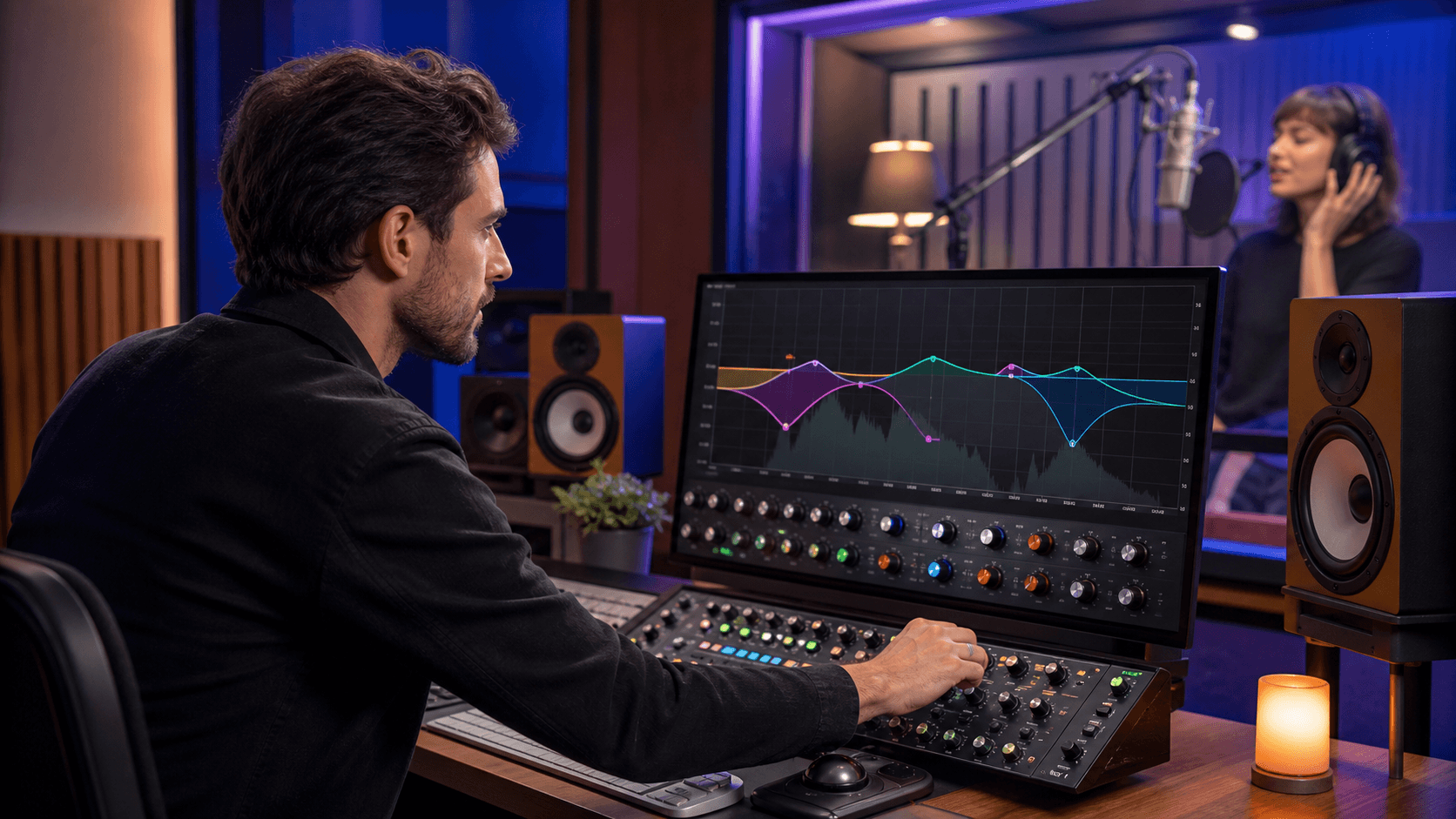
Here are a few fun EQ ideas:
- Use a strong resonant peak on a drum or percussion hit so it almost sings a note
- Set a narrow band-pass filter on a vocal to get a telephone or radio character
- Automate EQ sweeps on pads or noise layers for slow, evolving textures
For ideas like these, modulation-focused processors such as LFO-EQ by DHPlugins, detail-focused options like entropy:EQ+ by Sonible, or broader sculpting with Parity EQ by Stagecraft Software can all spark different directions.
Compression can work like a motion designer when you push it:
- Classic sidechain pumping on pads or bass for rhythmic bounce
- Heavy, fast compression on a synth to make it feel aggressive and upfront
- Parallel compression to add either huge smack to transients or eerie, extended sustain
If you want to explore that range, plugins like pure:comp by Sonible, COMPRESSOR by Stagecraft Software, and MTurboCompLE by MeldaProduction fit naturally into this kind of experimentation.
Saturation and distortion can color a mix in bold ways, even when they begin as straightforward mixing plugins:
- Bit-crushed ambience on percussion or FX for grainy, broken textures
- Tape-style saturation on drums or keys for warm, lo-fi moods
- Multiband saturation on a clean pad so the lows stay smooth while the mids and highs turn into a gritty drone
That kind of color can start with processors such as Tube Saturator 2 by Wave Arts, Heater v2 by NoiseAsh, or TAIP by Baby Audio.
The real shift happens when you stop asking, "Is this correct?" and start asking, "Does this sound interesting?" When you treat these plugins like color instead of correction, the sound opens up.
Spatial Mixing Plugins as Movement and Atmosphere Makers
Reverb, delay, and imaging plugins are not just for placing sounds in a room. They can create whole atmospheres and even suggest extra melodies.
Try pushing your reverbs past the usual settings:
- Super long decay times on simple notes to turn them into drones
- Automating pre-delay so the reverb blooms later in the phrase
- Using plate or spring flavors for retro, metallic, or surf-like character instead of realistic room sounds
Delays can feel like another instrument in the track:
- Tempo-synced delays with high feedback to build repeating, rhythmic lines
- Ping-pong delays that bounce across the stereo field like counter-melodies
- Filtered feedback loops that slowly rise for transitions and tension
Stereo imaging and widening plugins can also act as texture engines:
- Automated width that grows and shrinks like chorus movement
- Mid-side shaping that keeps the center clean while the sides carry ghostly layers
- Collapsing a sound to mono right before a drop, then opening it wide again for impact
For these kinds of moves, Room360, Punch the Mutant Bundle by W. A. Production, and DeepStereo Upmixer by Leson are easy fits for creative routing and space design.
Building Signature Chains From Everyday Mixing Plugins
A big shift happens when you stop thinking in single plugins and start thinking in chains. You can build repeatable recipes for drums, bass, vocals, pads, or FX.
For example, one creative drum chain could be:
- Transient shaper to exaggerate or soften the attack
- Compressor to add groove and glue
- Saturation to bring out harmonics and grit
- Creative EQ to carve unusual peaks or dips for character
- Reverb or short delay to place it in a custom room
A processor like Imprint by W. A. Production can sit naturally at the front of that chain when you want to reshape the attack before the rest of the processing kicks in.
On synths or pads, you might try gentle compression, multiband saturation, sculpting EQ, then a long creative reverb and filtered delay. The order matters, so do not be afraid to test unusual layouts.
Automation is where these chains really come alive:
- Move EQ filters over time for sweeps and tonal shifts
- Change compressor thresholds so the groove tightens or relaxes between sections
- Automate reverb sends so parts bloom in the chorus and stay drier in the verses
- Push delay feedback higher for short build-ups, then pull it back
You can save these chains as presets and group them by mood. Over time, these setups start to sound like you, even when they are built from very standard mixing plugins.
Unlock More Character With Bundles and Limited-Time Deals
A smart next step is to look at the plugins you already own and ask which ones feel the most ordinary. Those are often the best candidates for wild experiments. A clean digital compressor might become your new favorite distortion when pushed hard. A basic EQ might turn into your go-to option for resonant peaks and moving notches.
It also helps to fill the obvious gaps in your mixing palette:
- Maybe you have clean compressors but no character-driven options
- Maybe your reverbs are all realistic, with nothing for more unusual textures
- Maybe you are missing a saturation plugin that can move from subtle to extreme
Limited-time bundles are useful for this kind of exploration. When the goal is experimentation, it feels easier to try unusual compressors, color EQs, or character-heavy reverbs you might not have chosen otherwise. Every new plugin becomes another color in your sound design palette, especially when you run it in a chain with the mixing plugins you already trust.
If you feel stuck using mixing plugins only for cleanup, challenge yourself to build one new signature chain this week using nothing but mixing plugins, then push every setting a little further than usual. You might discover your next signature sound hiding in the utility section of your plugin folder.
Upgrade Your Mixes With Pro-Grade Tools Today
If you are ready to turn your rough ideas into polished, release-ready tracks, our curated selection of mixing plugins is the fastest way to get there. At Audio Plugin Deals, we handpick powerful tools so you can focus on creativity instead of hunting for the right gear. Explore our latest deals, build the perfect plugin chain for your workflow, and start hearing the difference in your next mix. If you have any questions about choosing the right tools, feel free to contact us.