Mixing Plugins vs Virtual Instruments: How to Build a Better DAW Setup
Building a better DAW setup starts with understanding the difference between mixing plugins and virtual instruments. Virtual instruments generate the sounds you arrange, while mixing plugins help shape those sounds into balanced, release-ready tracks.
Most producers need both categories, but they serve different purposes. A focused collection of virtual instruments can provide reliable creative options, while essential mixing plugins help turn rough ideas into finished music. The goal is to choose plugins that solve real production or mixing needs instead of filling folders with similar options.
Mixing Plugins vs Virtual Instruments: Key Differences
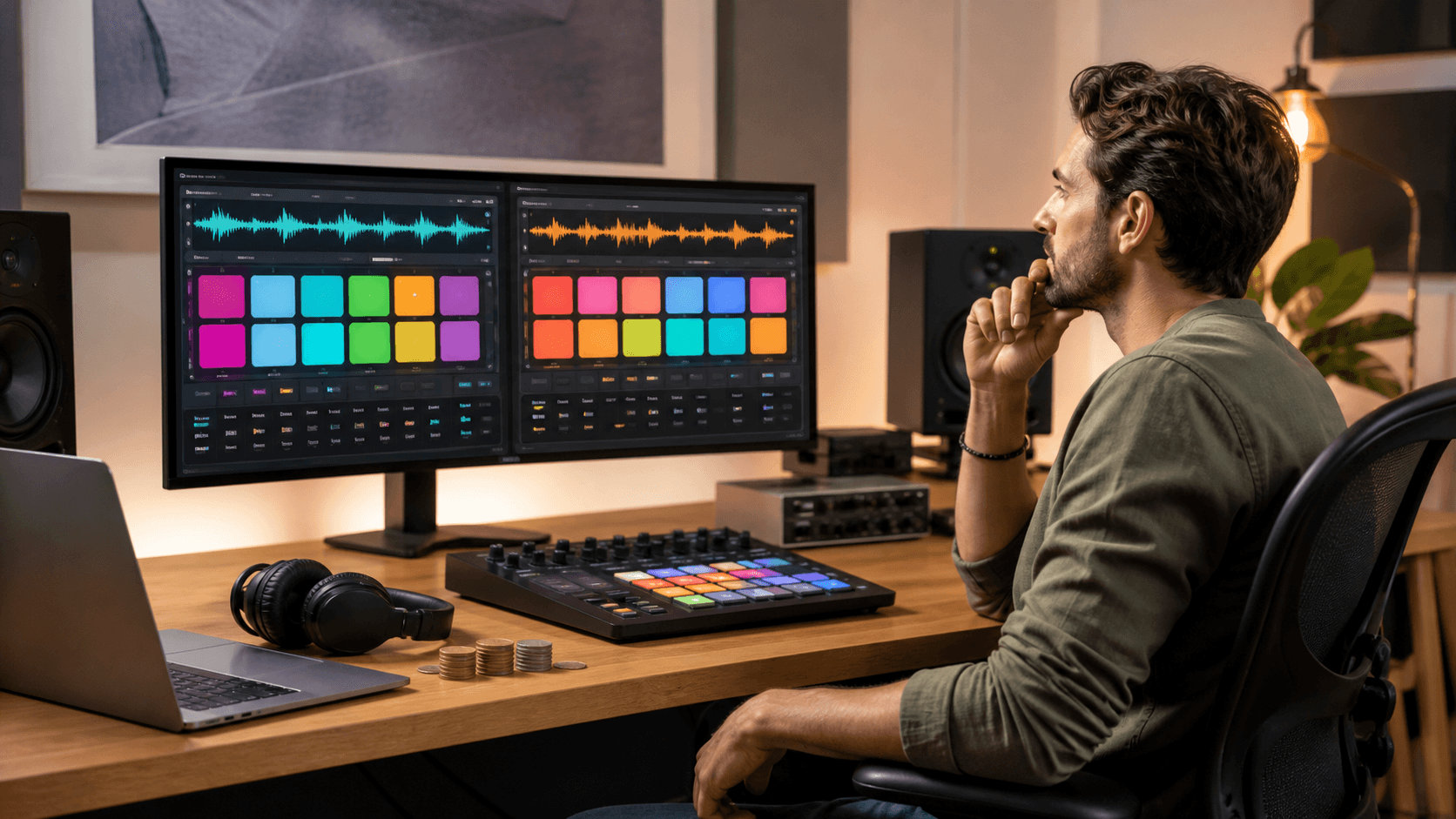
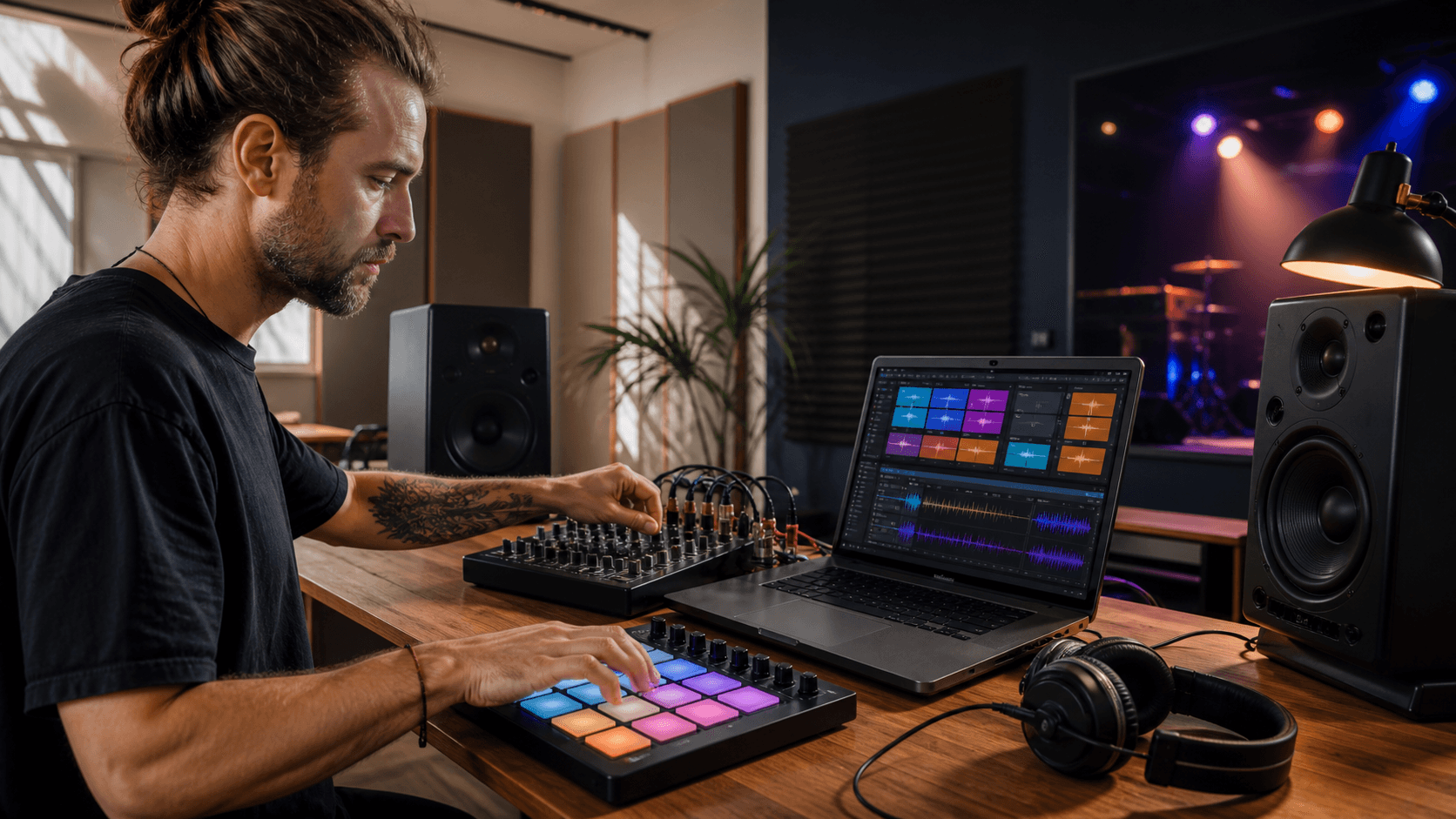
Virtual instruments are the performance side of our DAW setup. They create the raw sound: the synth bass, drum hits, pianos, strings, pads, and unusual textures. Without them, we have nothing to arrange. With them, we get melodies, chords, and grooves that feel exciting right away.
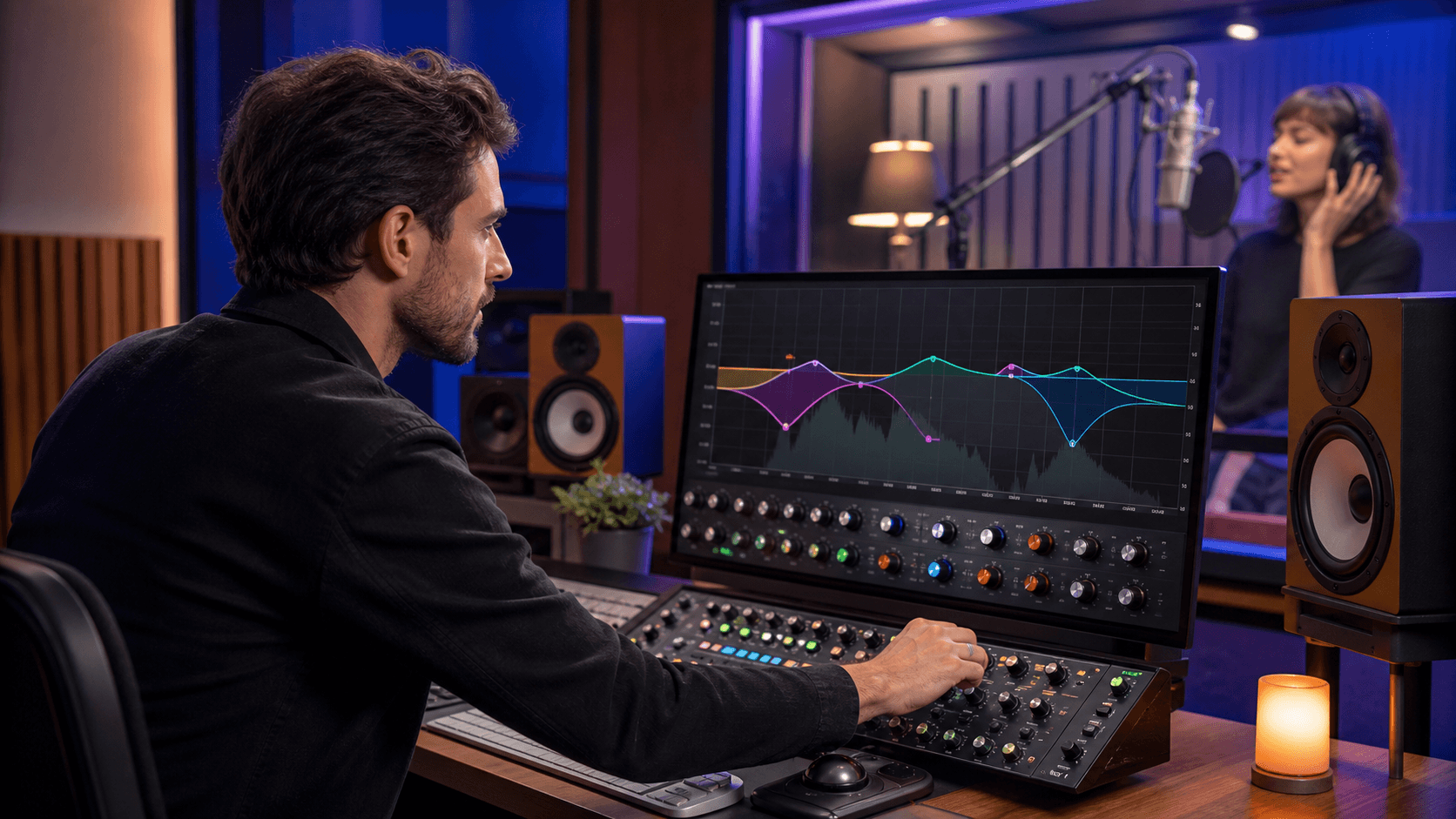
Mixing plugins are the processing side. They:
- Shape frequencies so parts sit together
- Control volume and punch with compression
- Add color and grit with saturation
- Bring space and movement with reverb and delay
- Push loudness and balance for release with limiters and meters
Virtual instruments provide the source sounds, while mixing plugins shape, balance, and finish those sounds. A modest collection of virtual instruments paired with a focused set of mixing plugins usually works better than a huge sound library with inconsistent processing.
Great sounds plus strong mix decisions create songs that hold up on headphones, car speakers, and laptop speakers, not just in the studio.
How to Buy Mixing Plugins for Your DAW
Buy mixing plugins based on where your songs actually break down. Think about the moments that prevent you from finishing a track and identify the processing gaps in your DAW.
Common bottlenecks might be:
- Muddy low end that makes kick and bass fight
- Harsh highs that make ears tired
- Vocals that sit behind the beat or feel thin
- Masters that are too quiet or too crushed
From there, prioritize essential mixing-plugin categories:
- EQ and compression for clarity and control
- Saturation and coloration for tone and vibe
- Reverb and delay for depth and space
- Limiters, clippers, and meters for loudness and translation
One compact set of mixing plugins can carry an entire EP from rough demo to release. For example, a track may only need corrective EQ, gentle compression, a touch of saturation, one main reverb, one main delay, then a limiter and meter on the master. If you can cover those roles with plugins you know well, you do not need a giant collection.
When a recurring mixing issue needs attention, consider adding a processing plugin that fits that specific role rather than another duplicate plugin.
How to Choose Virtual Instruments for Multiple Projects
Virtual instruments should be selected by project goals and long-term use. Choose sounds that are likely to appear across multiple sessions rather than instruments that only suit one idea.
Different producers have different needs:
- Beatmakers might focus on drum machines, modern synths, and 808-style bass
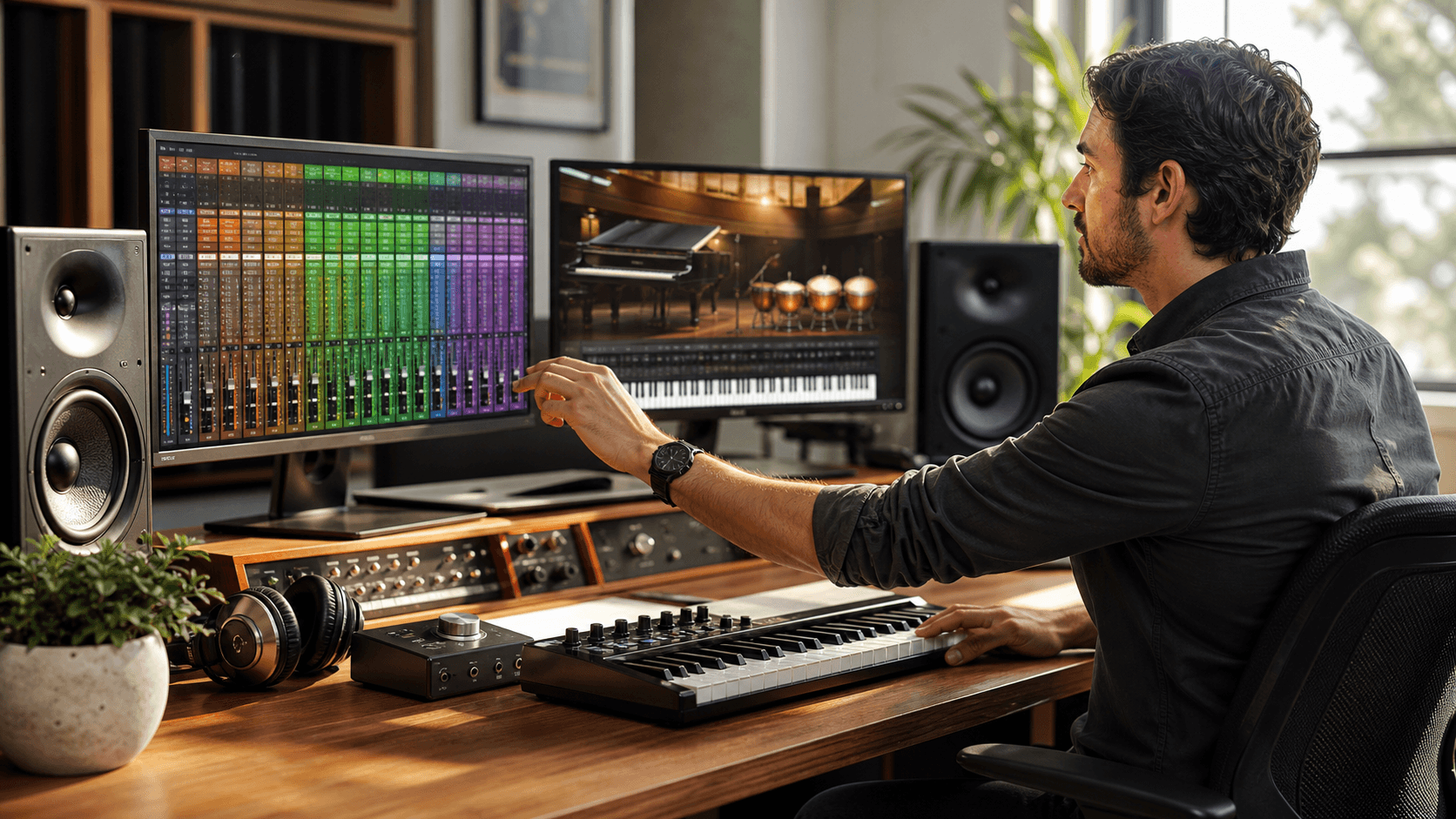
- Composers might look for orchestral and cinematic virtual instruments
- Producers creating piano-led music might prioritize piano virtual instruments
- Sound designers might want granular engines and unusual samplers
A useful rule is the project test: if a virtual instrument is unlikely to appear on at least three tracks in an upcoming project, it may not be a priority. Focus on instruments that can become part of your sound rather than one-track experiments.
To keep a clean DAW setup, you can:
- Favor versatile, deep instruments over narrow, niche ones
- Avoid buying three synths that all do the same thing
- Check what you already own before adding another similar VST plugin
This approach helps each new virtual instrument fill a clear creative role.
How to Plan a DAW Plugin Budget
A plugin budget works best when it reflects your workflow. Producers who regularly mix their own music may prioritize mixing plugins, while composers may allocate more toward virtual instruments without neglecting essential processing.
Start with a DAW audit:
- List the plugins and instruments you use on almost every track
- Note what you rarely or never open
- Write down the problems that keep you from finishing songs
Then prioritize purchases around those gaps. Cover the core mixing categories first, such as EQ, compression, reverb, delay, limiting, and metering. After that foundation is in place, direct the remaining budget toward virtual instruments that add a sound you genuinely need.
Prioritize DAW Plugins That Help Finish Projects
Every mixing plugin and virtual instrument should support a recurring production or mixing need. Prioritize plugins that help you create reliable source sounds, solve persistent mix problems, and move projects from rough ideas to finished releases.
A focused DAW setup does not depend on owning every new VST plugin. It depends on knowing which plugins you use, avoiding duplicate purchases, and choosing options that make your workflow more consistent from project to project.
Explore Mixing Plugins for Your DAW
Take the next step toward cleaner, more professional mixes by exploring our curated collection of mixing plugins. At Audio Plugin Deals, we carefully select plugins that give you maximum value so you can focus on your creativity instead of your budget.