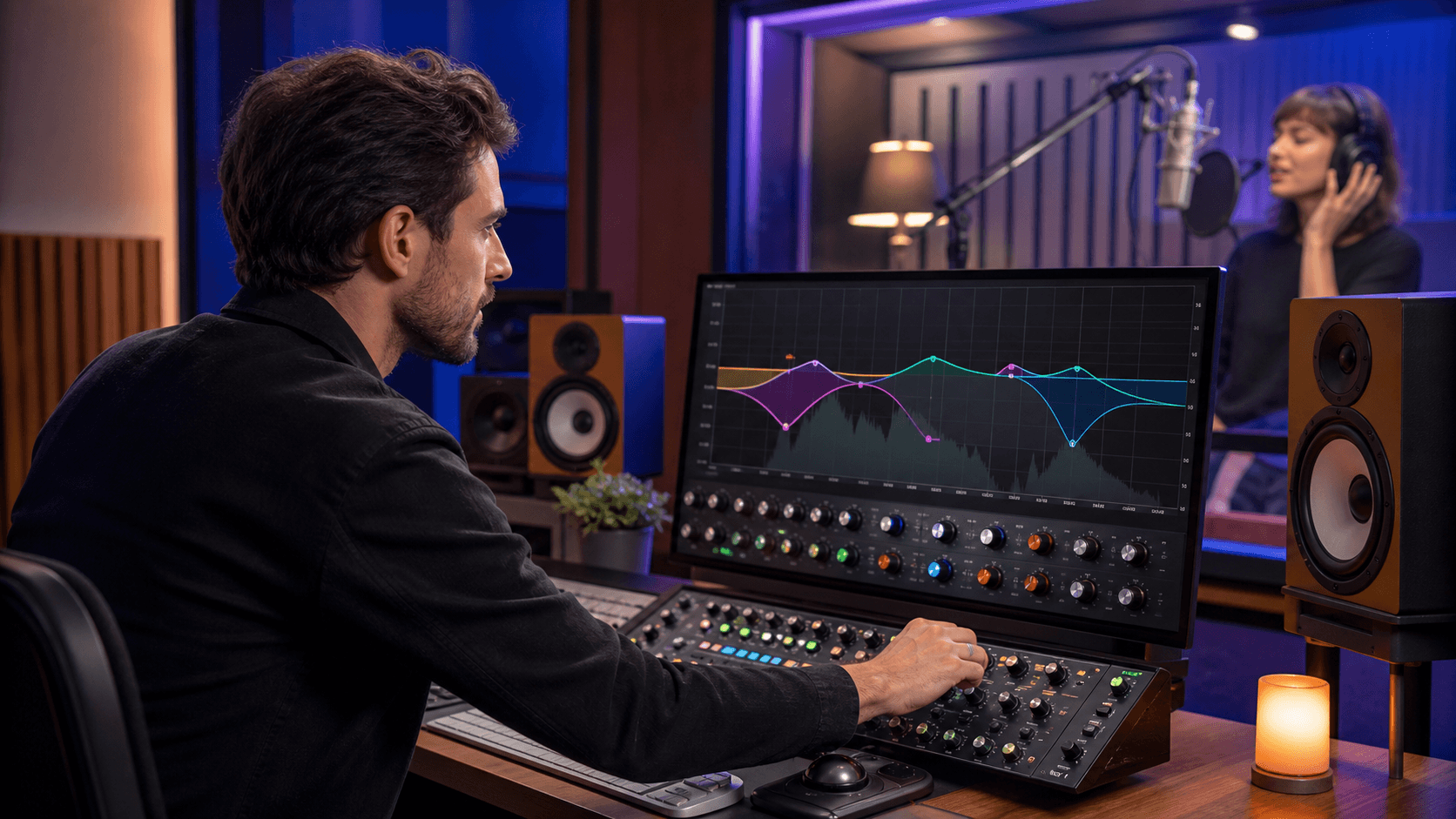
Build Live Energy with Performance-Ready Drum Plugins
Strong drums can carry a whole live set. When the kick hits right and the groove feels tight, people move, even at a small campus show or a last-minute club slot. Drum machine plugins let us bring that energy to the stage without dragging around heavy hardware.
Many producers are refreshing their live rigs. These plugins can replace bulky drum machines while keeping a flexible stage setup.
We are going to walk through how to pick plugins that actually work in a live setting, keep them running smoothly with low latency, hook them up to controllers, and organize setlists so you can focus on the crowd instead of the screen.
What Makes Drum Machine Plugins Stage-Worthy
Not every drum plugin that sounds good in the studio feels good on stage. Live performance needs a mix of tight timing, clear layouts, and quick control.
Here are key features to look for when you plan to perform:
- Tight internal clock and stable timing
- Fast, flexible MIDI mapping for pads, knobs, and faders
- Pattern switching and song modes that respond instantly
- Clear visual feedback that is easy to see under dark or colored stage lights
- Multiple outputs so the front of house mixer can shape your sound
On the technical side, we want to think about:
- CPU efficiency so your laptop does not choke when the set gets busy
- Low latency audio settings that still feel safe and stable
- Solid plugin behavior inside your DAW, without glitches or strange hangs
- Simple ways to bounce or freeze heavy parts if things get too intense
Studio-focused drum plugins often go deep on sound design, tiny controls, and complex menus. For live work, it is better to pick plugins with:
- Big, readable labels
- Obvious buttons for play, stop, next pattern, and fills
- Simple pattern banks you can flip through fast
If you have to dig through small menus mid-show, stress goes up and fun goes down. On stage, speed wins over tiny tweaks.
Designing a Live Drum Rig Around Your DAW
Your DAW becomes the center of your live drum setup, and your drum plugin sits inside that. Different DAWs lean toward different lifestyles.
Common workflows include:
- Clip-based setups, where patterns and loops sit in a grid and you launch them
- Linear timelines, where the whole set plays in order with markers for sections
- Hybrid rigs, where the base song runs on a timeline and you trigger fills and extras by hand
No matter which DAW you like, it helps to plan drum routing with the live sound engineer in mind. At a minimum, try to give them separate channels for:
- Kick
- Snare and claps
- Hi-hats and cymbals
- Percussion and FX hits
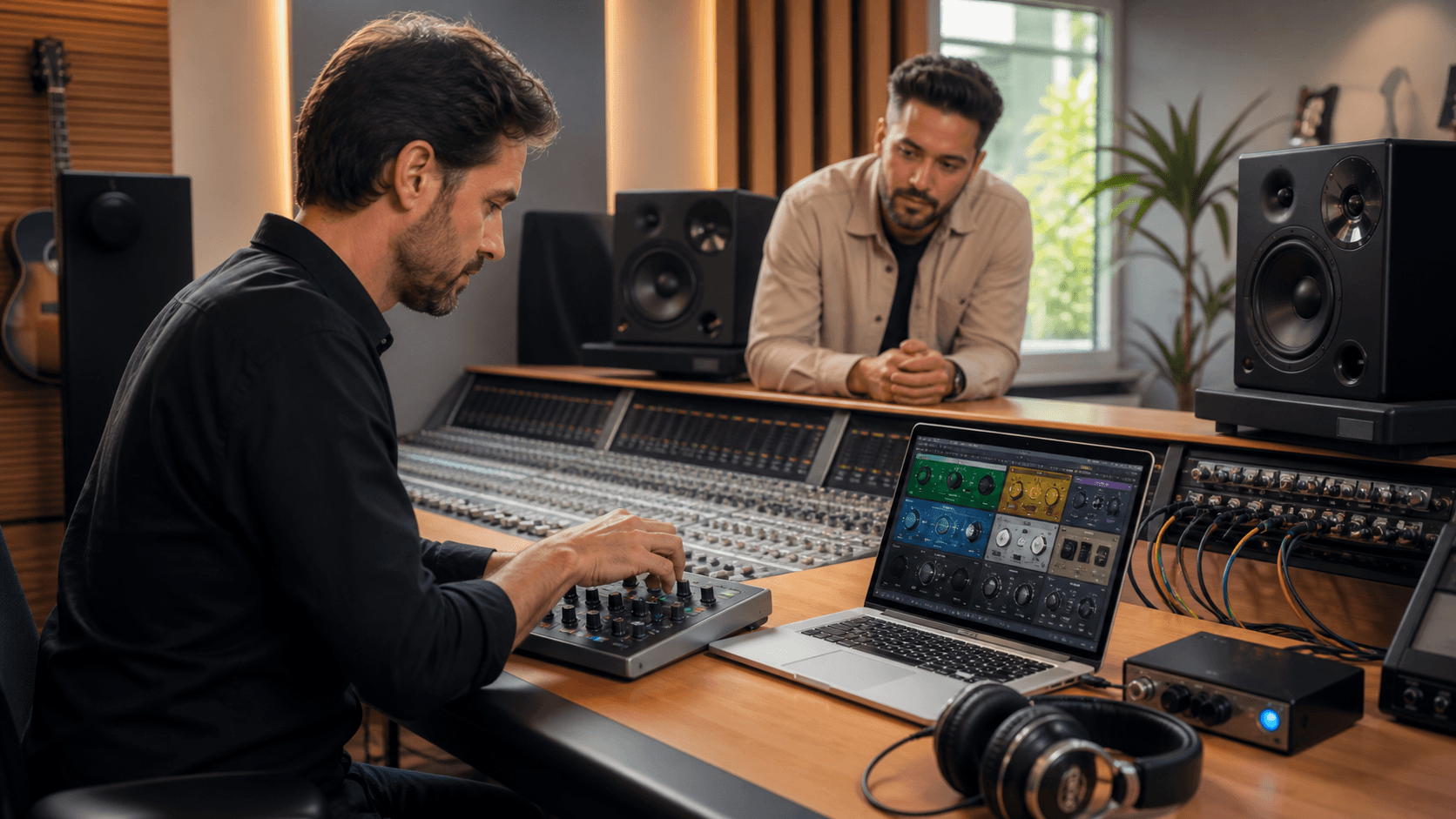
Many plugins let you route each sound or group to its own output. In your DAW, send each of those to a separate track with its own EQ and compression. That way, the front of house can make small fixes for the room, like taming a boomy kick in a low ceiling venue, without changing your whole mix.
To keep shows organized, build a performance template project that already has:
- Your main drum plugin loaded
- Scenes or markers for each song
- Automation lanes for key moves like filter sweeps or delay sends
Then each new show is just copying that template and adjusting details, not rebuilding your rig from scratch.
Mapping Drum Machine Plugins to Controllers
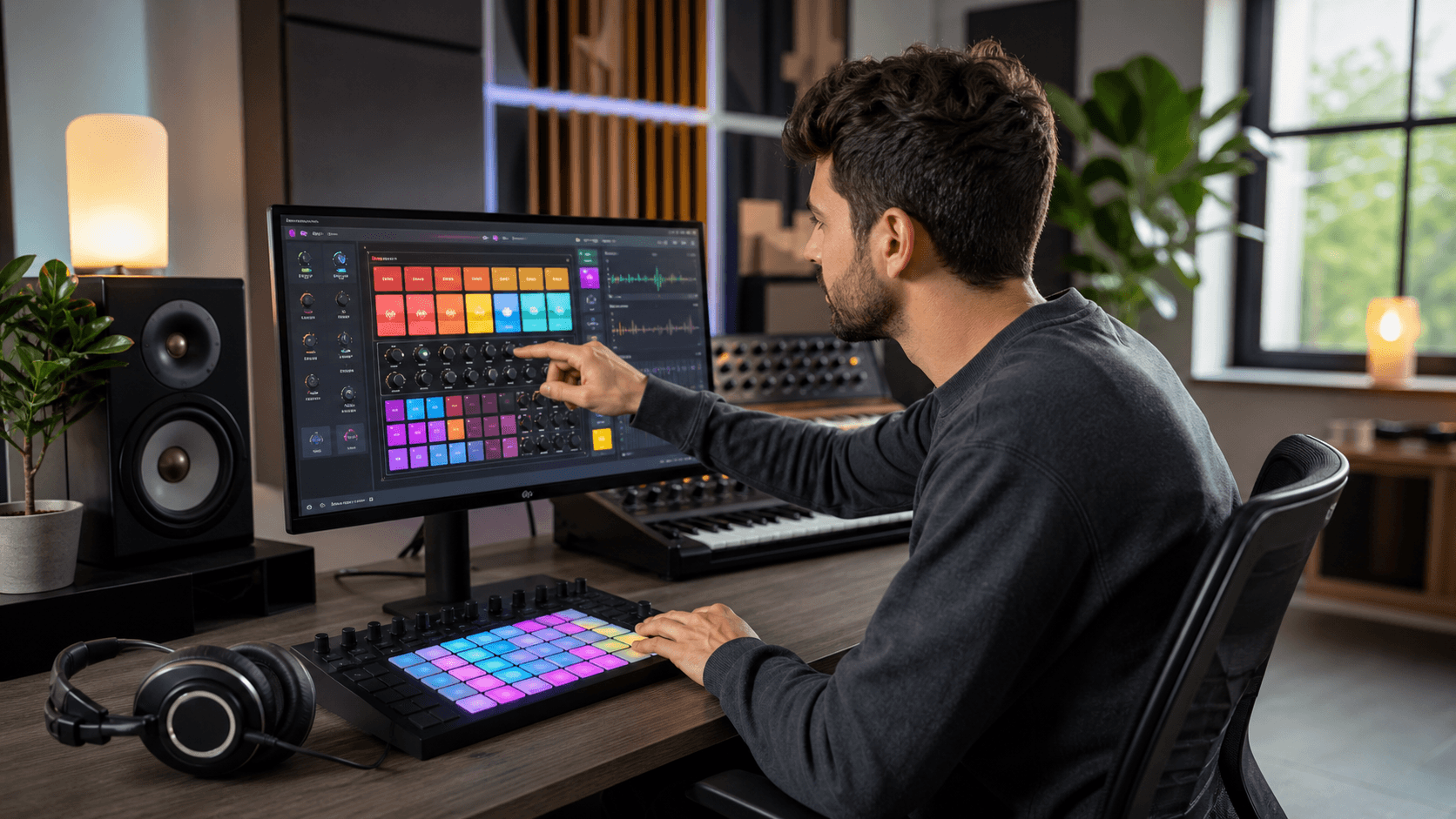
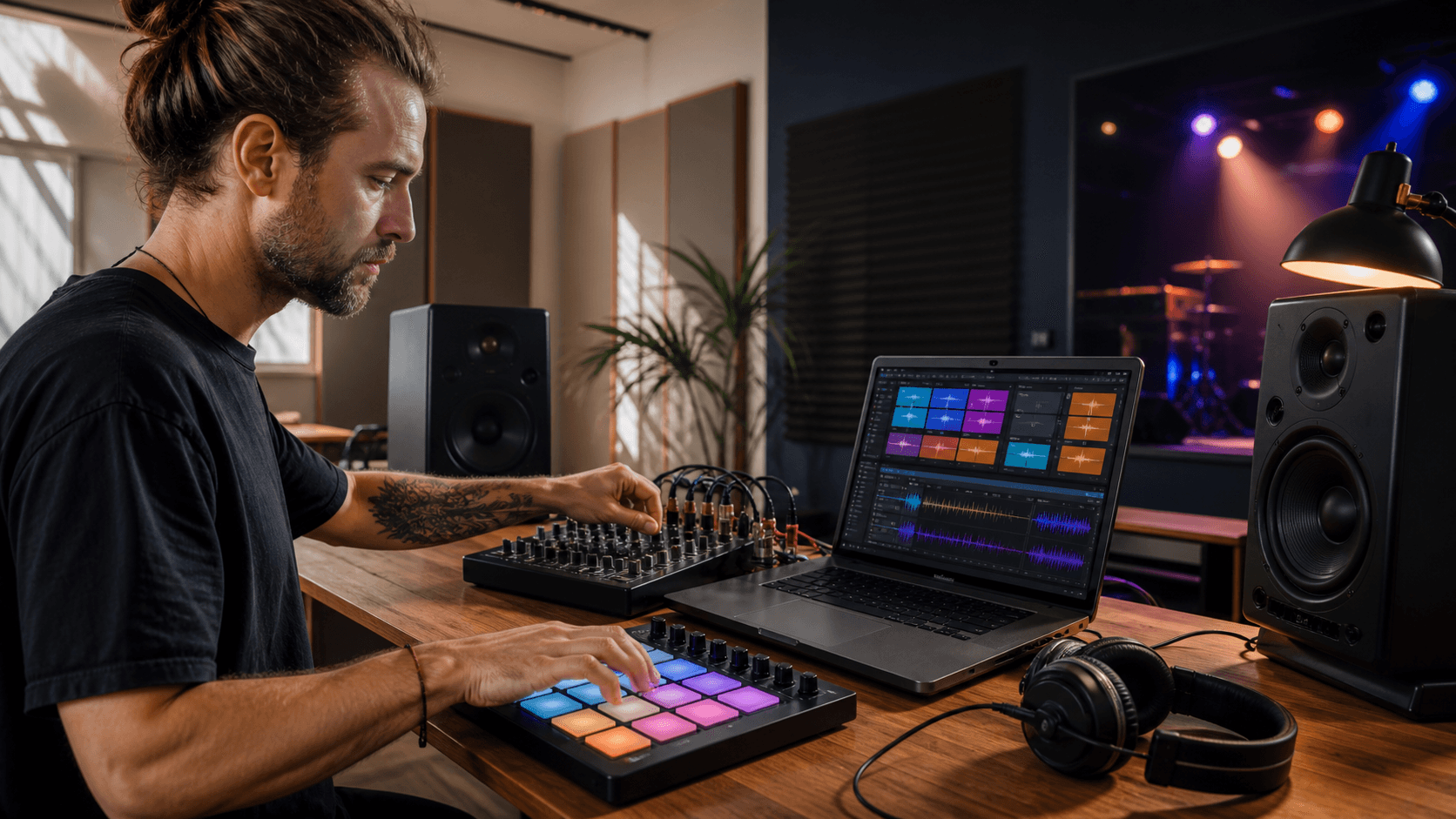
The real fun starts when they meet good hardware controllers. Pads and knobs turn a static laptop into an actual instrument you can play.
Smart mapping ideas include:
- Velocity-sensitive pads for kicks, snares, and key percussion sounds
- Dedicated buttons for mute and solo on drum groups
- Pattern select buttons lined up in a simple row
- A couple of pads or buttons set as "fill" triggers
- Macros on knobs for filter sweeps, bit-crush, or reverb send
To keep things gig-proof, think about consistency. Use the same pad layout across all songs so your hands never have to "relearn" where the kick lives. Color code pads when your controller allows it, like:
- One color for kicks
- Another for snares
- Another for hats
- Bright colors for fills or one-shots
Give yourself redundant controls for the most important actions. For example, map stop, tap tempo, and emergency mute to both the controller and your computer keyboard. If one fails, the other can save the set.
Building Reliable Setlists and Drum Scenes
Once your sounds are mapped and routed, the next step is to make your setlist easy to run.
A clean way to do this is to group patterns and kits into song-based scenes. One scene equals one song, with:
- Main groove patterns
- Breakdown and build patterns
- One or two special fill patterns
This layout lets you move down your setlist by simply jumping from scene to scene, instead of scrolling through random preset names.
For transitions between songs, try:
- End-of-song fills that roll into the next tempo or groove
- Layered loops that carry a common element, like the same clap or shaker
- Crossfading between two plugins, one fading out while the next song's drums fade in
Backing up your live rig gives you peace of mind. Good habits include:
- Keeping duplicate sessions on a portable drive in your bag
- Saving older versions instead of overwriting a single project file
- Having a super simple backup drum plugin or sample kit ready in a blank project in case your main setup fails
If your main rig crashes, you can switch to the backup project and still play a stripped-down set instead of stopping the show.
Plugin Deals That Level Up Your Live Rigs
Modern drum plugins can provide a flexible alternative to older hardware setups.
Along with drum plugins, a few other plugin types can really help drums sit right in a live mix:
- Transient shapers to make kicks and snares cut through loud rooms
- Bus compressors to glue the whole kit without crushing dynamics
- Simple, performance-friendly reverbs that do not wash everything out
- Tempo-synced delays you can punch in for big moments
At Audio Plugin Deals, we focus on time-limited offers on music production plugins, from drum machines and virtual instruments to mix and master plugins.
Transform Your Tracks With Professional Drum Power
Ready to upgrade your rhythm section with tight, punchy, and mix-ready beats? Explore our curated collection of drum machine plugins to find the perfect plugins for your next production, whether you are crafting modern hip-hop, EDM, or vintage-inspired grooves. At Audio Plugin Deals, we handpick plugins that deliver inspiring sounds without slowing down your workflow.