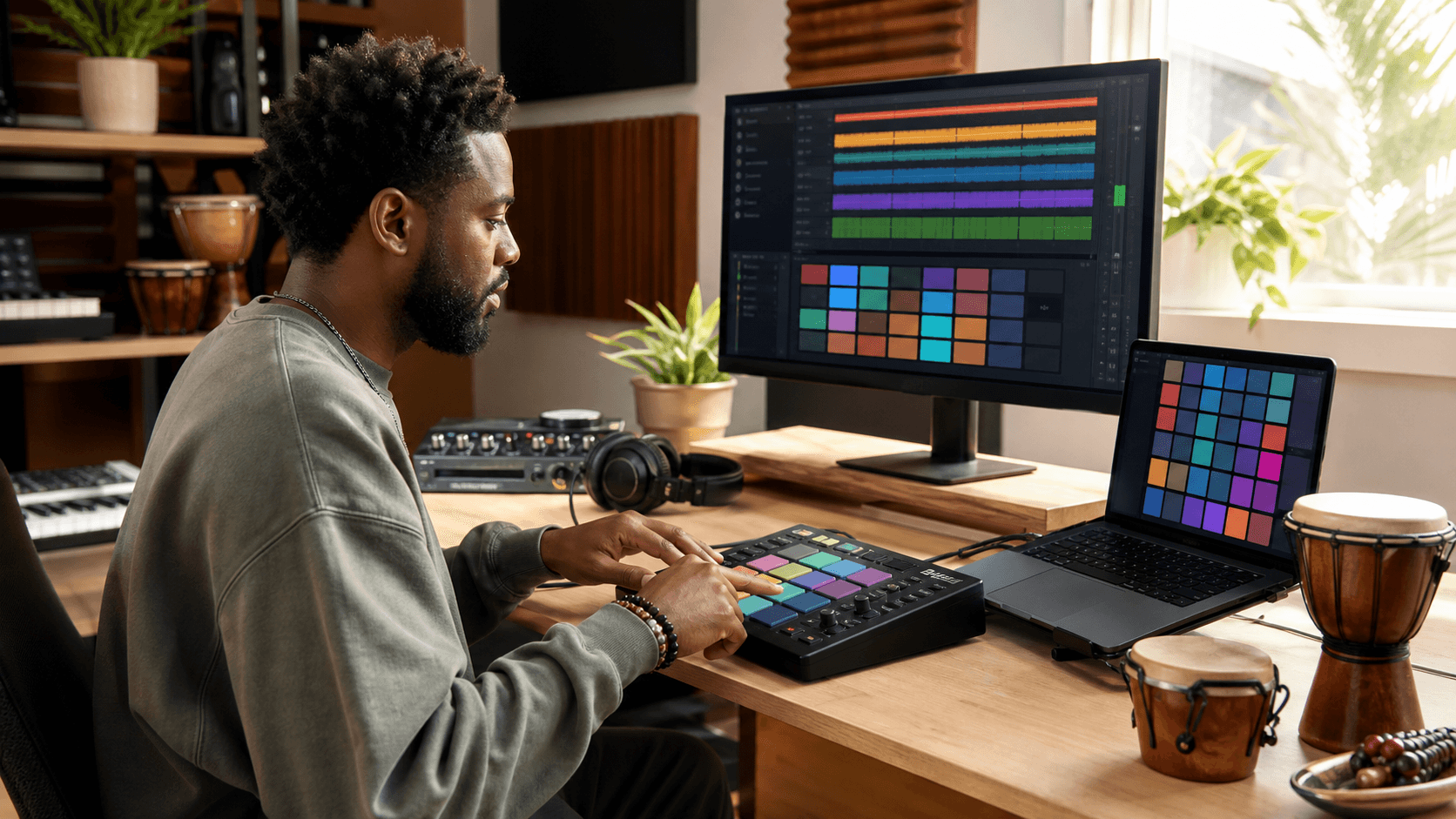
Building percussion groups can easily slow down your workflow, especially when ideas are moving fast. It might start simple, drop in a few shakers or hand drums to fill the space, but pretty soon you're dragging files around, adjusting pads, and digging through folders. That hunt for the right rhythm breaks the whole creative pace.
Using MPC expansions changes that. With pre-built kits, mapped samples, and genre-based packs, you don't have to build everything from scratch. You can grab what you need and start playing right away. For producers who want to move quickly from idea to groove, this makes a big difference. We’ve learned to rely on these shortcuts when time and inspiration are both on the line.
Choosing the Right Percussion Sounds to Start With
Before building anything layered or complex, it helps to start with a core sound set that already feels close to the vibe you're aiming for. Strong one-shots or loops with character save time because they don’t need heavy processing. And when those sounds are pulled from organized MPC expansions, the process becomes easier.
- Try using genre-based packs like Afro-Cuban, Lo-Fi Percussion, or Modern Trap to match the energy of your track
- Load expansions that focus on texture-heavy shakers, snaps, or wooden percussion to fill high-frequency space without stacking too many layers
- Build your group from a single kit to guarantee cohesive tone and uniform gain levels across pads
We’ve found that starting with a clear palette helps shape rhythm early. Once you’ve got something loaded that already sounds good together, it encourages quick stacking instead of second-guessing.
Using Pad Banks to Position Sounds for Intuitive Playing
Pad layout matters when you're trying to build rhythm fast. Instead of dragging files or hitting one pad over and over, group sounds by family. MPC expansions often pop in already pre-assigned to multiple banks, which makes organization simpler on the front end.
- Set Bank A for soft percussion like claves, sticks, and dry rims
- Place bolder mid sounds (like congas, wooden toms, or hand hits) on Bank B
- Save Bank C for cymbal shots, texture layers, or anything with air
When your kit is laid out logically, your body remembers where things are. It becomes less about thinking and more about feeling. That frees you up to record faster takes and focus on timing, dynamic shifts, or creative fills.
Building Loops On the Fly With Ready-to-Trigger Elements
Sometimes we don’t want to scroll through folders building a kit. We just want to load something that’s already set up to groove. That’s where the speed of pre-made rhythmic kits shines. A solid MPC expansion gives you percussion parts that can either live solo or support the main beat without getting in the way.
- Load full kits and just mute what you don’t need instead of building from zero
- Stack loops from two different expansions to add contrast, like a dry kit with a global texture layer
- Cut and move slices or trigger single hits live to find natural phrasing
This type of flexibility helps you pivot between raw play and precise loop building. With some kits, you may only need a layer or two to support a strong kick-snare pattern. Other times, you may want stacked accents with swing settings tweaked just enough to keep everything moving.
Tweaking and Saving Your Custom Percussion Setups
Once you’ve got a groove dialed in, go back and shape it. Good percussion works with the energy of a track, not against it. A touch of EQ on your high shakers or a short room reverb on a slap can make things feel glued together. And once it's working, save it. There’s no reason to re-build a strong chain from scratch next time.
- Group elements and apply compression to tighten the entire percussion set
- Use low-pass filters or pitch envelopes to soften busy highs or punchy mids
- Name your new percussion kit clearly and export both as a program file and a bounce if you need stems for mixing later
MPC expansions make this second layer of control easier. Many kits already come with macro controls, effects chains, or performance macros ready for small tweaks. Use them once you know what’s working.
Expanding Your Sound Collection Over Time
Fast percussion writing doesn't come from having more sounds. It comes from having the right ones ready when needed. A few solid MPC expansions can cover a lot of sonic territory. But building your library carefully over time helps keep your sound fresh without wasting hours auditioning clips.
- Keep seasonal or project-based folders, like spring acoustic textures or heavy summer stomp kits
- Focus on one new expansion at a time so you actually learn how it plays
- Rotate older expansions back into sessions to spark different choices
We’ve all collected sample libraries that never get used. That's why we keep our expansion folders lean and easy to browse. Having go-to percussion kits ready means we spend more time making music, and less time sorting files.
Ready to Play Faster and Finish Faster
Building percussion groups doesn’t have to slow down a session. Tools like MPC expansions give us pre-built kits, mapped elements, and familiar folder structures that help us move with the beat, not behind it.
A good rhythm section brings clarity to a track. So when we load a setup that gets us playing quickly and stays out of the way, it gives us room to lock into creativity instead of organizing sounds. When that happens, finishing the idea feels just as smooth as starting it.
To keep your sessions moving smoothly, it helps to have high-quality kits that sound great right when you load them. We prefer options that let us load up and build quickly without getting bogged down in tweaks. For those looking to expand their library with flexible, ready-to-play kits, our favorite MPC expansions are always within reach at Audio Plugin Deals, so you can get straight to creating. Let us know if you have questions or need help finding something specific.
Frequently Asked Questions
- What is an MPC expansion and how does it help build percussion groups faster?
- An MPC expansion is a pack of pre-built kits, mapped samples, and often genre-focused sounds made for MPC workflows. It speeds things up because you can load a cohesive kit instantly instead of hunting for individual percussion samples and assigning pads one by one.
- How do I choose the right percussion sounds to start a groove quickly?
- Start with a core set of one-shots or loops that already match the vibe, so you do not need heavy processing to make them fit. Using a genre-based pack like Afro-Cuban, Lo-Fi Percussion, or Modern Trap helps you land on the right tone fast and keeps the kit cohesive.
- How should I lay out MPC pad banks for faster percussion playing?
- Group sounds by family so your hands can find them without thinking. A common layout is Bank A for softer percussion like claves and dry rims, Bank B for mid sounds like congas and hand hits, and Bank C for cymbals, texture layers, or airy accents.
- What is the difference between building a percussion kit from scratch and using a pre-built MPC kit?
- Building from scratch means picking every sample, setting levels, and mapping pads manually, which can slow down your workflow. A pre-built MPC kit is already organized and gain-matched, so you can start playing immediately and mute or swap only what you do not need.
- How do I tweak and save a custom percussion setup so I can reuse it later?
- Once the groove works, apply simple shaping like EQ on shakers, light compression to tighten the group, and a short room reverb if needed. Save the custom kit with a clear name, export it as a program file, and bounce stems if you need them for mixing later.