Build a Live Drum Machine Rig You Can Trust
A live drum machine rig should feel as solid as a great drummer. When you trigger a part, the groove has to fire every single time, with no hunting for the right scene or panic over crashes. That only happens when you build a smart session template before the show, not during soundcheck.
Here, we will walk through how to design a reusable live drum machine plugin template that you can count on. We will cover layout, MIDI mapping, scene switching, and failover routing so your set keeps rolling even if something goes wrong.
As touring and festival seasons heat up, live sets often get longer and more complex. Many performers blend live rhythm parts and drum machine plugins in the same set, so a clear template becomes your safety net. Our goal is to help you shape a rig you trust, then use rotating plugin deals to test different sounds without breaking your layout.
Designing the Core Live Drum Machine Layout
First, you need a clear session layout. Think of it like setting up a drum section on stage. Each piece has a place and a job.
A simple, reliable structure might look like this:
- Master Drum Bus
- Kick Channel
- Snare Channel
- Hats Channel
- Percussion / FX Channel
On top of that, keep a separate click track that never hits front of house and only feeds the band monitoring path. Label it clearly so you never mute it by accident.
For drum machine plugins, layering works well:
- One primary drum machine for main patterns
- A second instance for fills and turnarounds
- A third for FX hits, risers, and unusual textures
Send them all to clearly named buses, like DRUM MAIN, DRUM FX, and DRUM FILLS. Color-code by role, not by brand, so your eyes lock in quickly under stage lights. For example, all kicks in red, snares in blue, hats in yellow, and fills in purple.
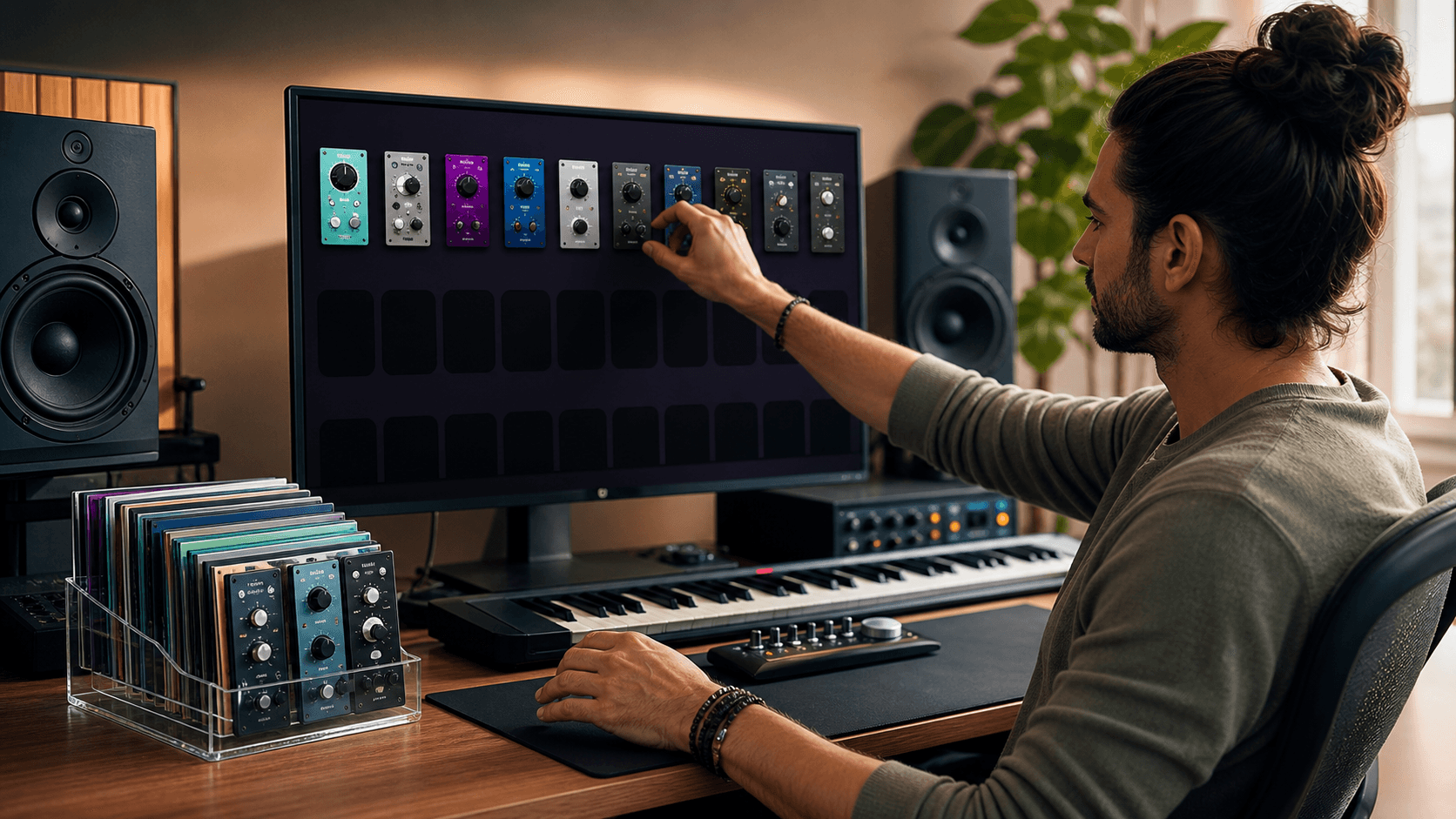
This kind of fixed layout makes it easier to audition different plugin types in the same slots. A groove-focused option like RitMix: Drum Machine by SoundBridge, a classic-flavored choice like SEQUEL by BEATSKILLZ, or a broader collection such as Drum Machines by AudioThing can all fit into the same structure if your routing stays consistent.
Rock-Solid MIDI Mapping for Stage Performance
Before you map a single parameter, plan your MIDI layout on paper. Decide what each zone in your performance setup will handle.
A simple plan could be:
- Transport: start, stop, tap tempo
- Pattern triggers: main grooves and variations
- Mutes and solos: kick, snare, hats, percussion
- Performance FX: filter sweeps, stutter, delays
Keep your drum note assignments consistent across every song. If one note is always kick and another is always snare, you do not have to think. You just play. Use the same note ranges for every plugin, even when you switch developers.
Good MIDI mapping habits include:
- No overlapping CC numbers for important functions
- The same velocity response across all active inputs where possible
- Reserved triggers for emergency stop and safe grooves
Create a global MIDI map template that works with several drum machine plugins. Many plugins let you learn MIDI per control, so map your setup to one instance, then copy that mapping style to others. This way, you can swap sounds without relearning your whole rig on tour.
It helps to test that map with a few different rhythm engines. A pattern-heavy plugin like Pragmabeat by Audiofier, a deep percussion option like Modern Animated Percussion by Sample Logic, or a texture-driven processor like Spectdrum by HD Instruments can all reveal whether your mapping logic is truly universal.
Then stress-test everything in rehearsal. Do fast song changes, sudden stops, last-second intros, and accidental double hits. If anything fires twice, cuts out, or feels confusing, fix the map now, not on stage.
Scene Switching Without Glitches or Panic
In a live drum setup, scenes are your big moves. A scene might be a verse groove, a chorus lift, a breakdown, or a full song preset. You need those changes to happen instantly when you trigger them or send a program change.
There are a few clear ways to arrange scenes:
- Linear: songs in show order down the timeline
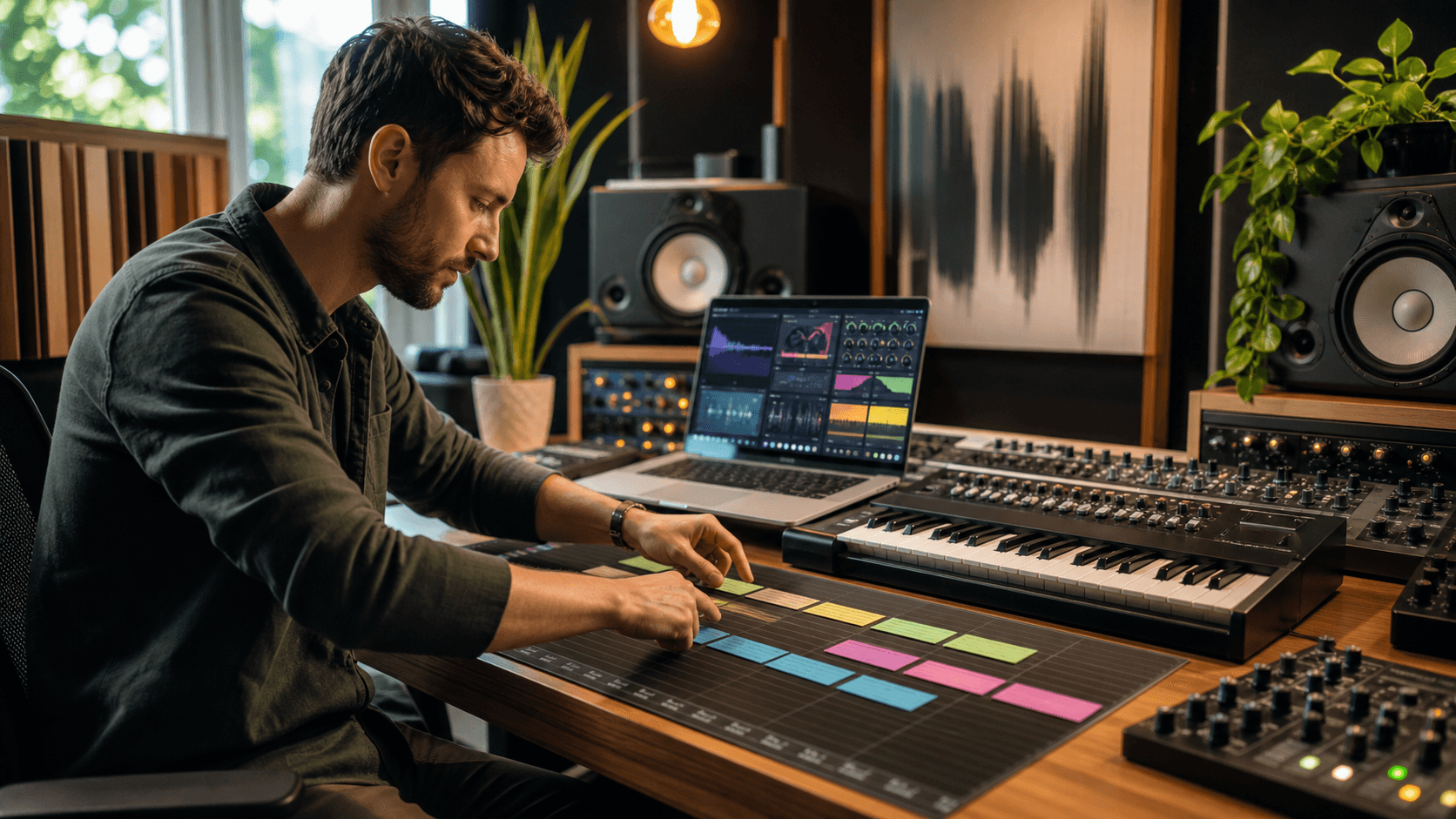
- Scene rows: each row is one song, each column a section
- Banks: each bank is a song, each trigger is a section
Choose one method and stick with it for the whole show. Label scenes by both song and section, such as SONG 1 VERSE or SONG 1 CHORUS, so you never have to guess under pressure.
Set your drum machine plugins to preload kits and patterns where possible. Use pattern quantize features so switching happens on the next bar or beat, not in the middle of a kick. Adjust release tails on crashes and delays so transitions feel smooth and stay locked to tempo.
To avoid embarrassing silence, set up:
- One default safe groove scene that always works
- Redundant triggers, such as two ways to launch a critical intro
- A simple fallback pattern you can fire at any time
If your brain freezes, trigger the safe groove, keep the drums going, and reset calmly.
Performance processors can help here as well. A dedicated mangling option like Glitch Machine by Stagecraft Software can live on an FX lane for controlled transitions, while a more organic source such as Alegre by Wellencraft or Tambora by Wellencraft can give alternate scenes a different rhythmic identity without changing your routing.
Failover Routing to Survive Crashes and Glitches
Even with a tidy template, plugins or DAWs can glitch. Failover routing means having a backup ready if your main drum chain fails.
A simple software failover might be:
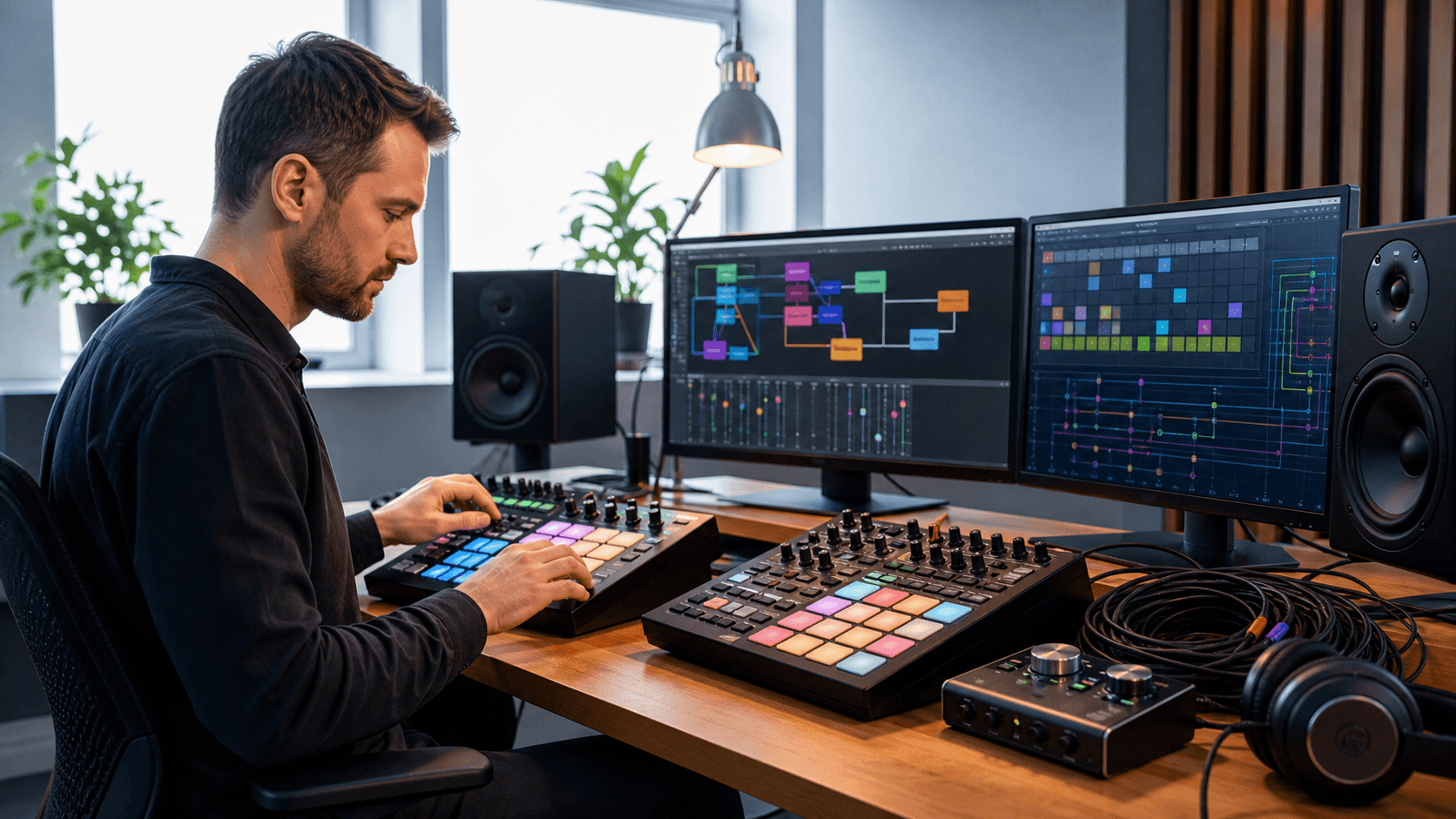
- Main drum machine chain to DRUM MAIN bus
- Duplicate drum machine chain on a hidden backup track
- Backup routed to DRUM BACKUP bus
Map one macro or control to fade out DRUM MAIN and bring up DRUM BACKUP. If your primary plugin chokes, you can switch quickly and keep going.
Add an emergency stems channel too. Bounce stereo drum stems for each song with minimal processing. Put them on one track with markers or clips for each song. If CPU spikes or a complex plugin crashes, you can trigger the stems and finish the set with stable audio.
It also helps to have two versions of your live template:
- Full Rig: multiple drum machine plugins, FX, and layers
- Survival Rig: lighter plugins, fewer FX, and simpler routing
If you test a venue rig and your full project feels shaky, load the Survival Rig. The control layout, MIDI map, and scene logic should stay as similar as possible, but the system load will be lighter and less risky.
Plugins with broader, mix-ready drum content can also make strong backup candidates. UJAM Virtual Drummer DEEP and Epic Percussion 3 by Splash Sound are both easy to imagine in secondary roles where speed and simplicity matter.
Lock in Your Template and Stress-Test Before Showtime
Before you trust this template on stage, lock it in and put it through a real rehearsal test.
Run through a checklist:
- Drum routing is standard and labeled
- MIDI maps are saved and backed up
- Scenes are clear, named, and ordered
- Failover routing is tested and easy to reach
- Presets for every drum machine plugin are stored with the session
Then do a full show run at real tempo. Include awkward moments like fake encores, surprise song changes, and tempo bumps. Keep an eye on CPU and RAM, and note any places where spikes appear.
As you keep playing more shows, you may find that some drum machine plugins feel heavier or less stable than others. When deal cycles bring fresh options, you can swap in more efficient plugins while keeping your routing, colors, and MIDI maps the same. That is the beauty of a solid template: you can upgrade sounds without tearing the whole thing apart.
At Audio Plugin Deals, we love seeing performers build reliable live rigs this way, then refine them over time. When your drum machine template is tight, you walk on stage calm, your hands know where everything lives, and your grooves support the whole show.
Transform Your Beats With Pro-Grade Drum Plugins Today
Ready to turn your rhythm ideas into polished, release-ready tracks? Explore our curated collection of drum machine plugins and find the perfect plugins to match your sound, workflow, and budget. At Audio Plugin Deals, we carefully select each plugin so you can spend less time searching and more time creating. If you have any questions or need personalized suggestions, just contact us and we will help you choose the right setup.