Reclaim Your DAW and Stop Letting Plugins Slow You Down
Too many digital-audio-workstation plugins can turn a fun session into a mess. Long menus, slow loads, random crashes, and way too many choices can kill your idea before it even hits the grid. When every channel asks you to pick between ten EQs and fifteen compressors, it is no surprise the mix stalls.
This is why a plugin exit strategy matters. Clearing out old clutter, trimming to a focused core set, and planning how to handle older projects helps you move faster and trust your setup. Late summer is a perfect time for this. The hot months are fading, fall releases are coming, and big sales are on the horizon. Clean up now so your DAW feels light before the next wave of shiny new plugin offers lands in your inbox.
Diagnose Plugin Bloat and Define Your Ideal Setup
First, we need to see the problem clearly. Do a simple audit of your digital-audio-workstation plugins. Open your DAW and start counting.
Here is a quick way to spot bloat:
- Count how many plugins are installed in total
- Look at recent projects and list what you actually used in the last few months
- Note how long your projects take to open and close
- Check which categories are crowded, like EQ, compression, reverb, delay, synths, and saturation
Very often, one or two plugins in each category do most of the work, while the rest just sit there and make menus longer.
Next, define your core rig. Ask what you really need for 90 to 95 percent of your music. For many producers, that looks something like this:
- One main channel strip or "all-in-one" mix plugin
- One clean EQ and one character EQ
- One or two compressors for general work plus one with strong color
- One short and one long reverb
- One main delay that can handle simple and creative echoes
- Two or three primary synths or samplers for your main genres
- A small group of mastering and meter plugins you trust
Now we need to talk about GAS, gear acquisition syndrome. We all get hyped about new sounds. Working around plugins every day makes it easy to chase every new release. But stacking plugin after plugin often creates decision paralysis. A smaller, sharper set usually beats a huge, random collection that never feels familiar.
Systematically Audit and Tag Your Plugin Collection
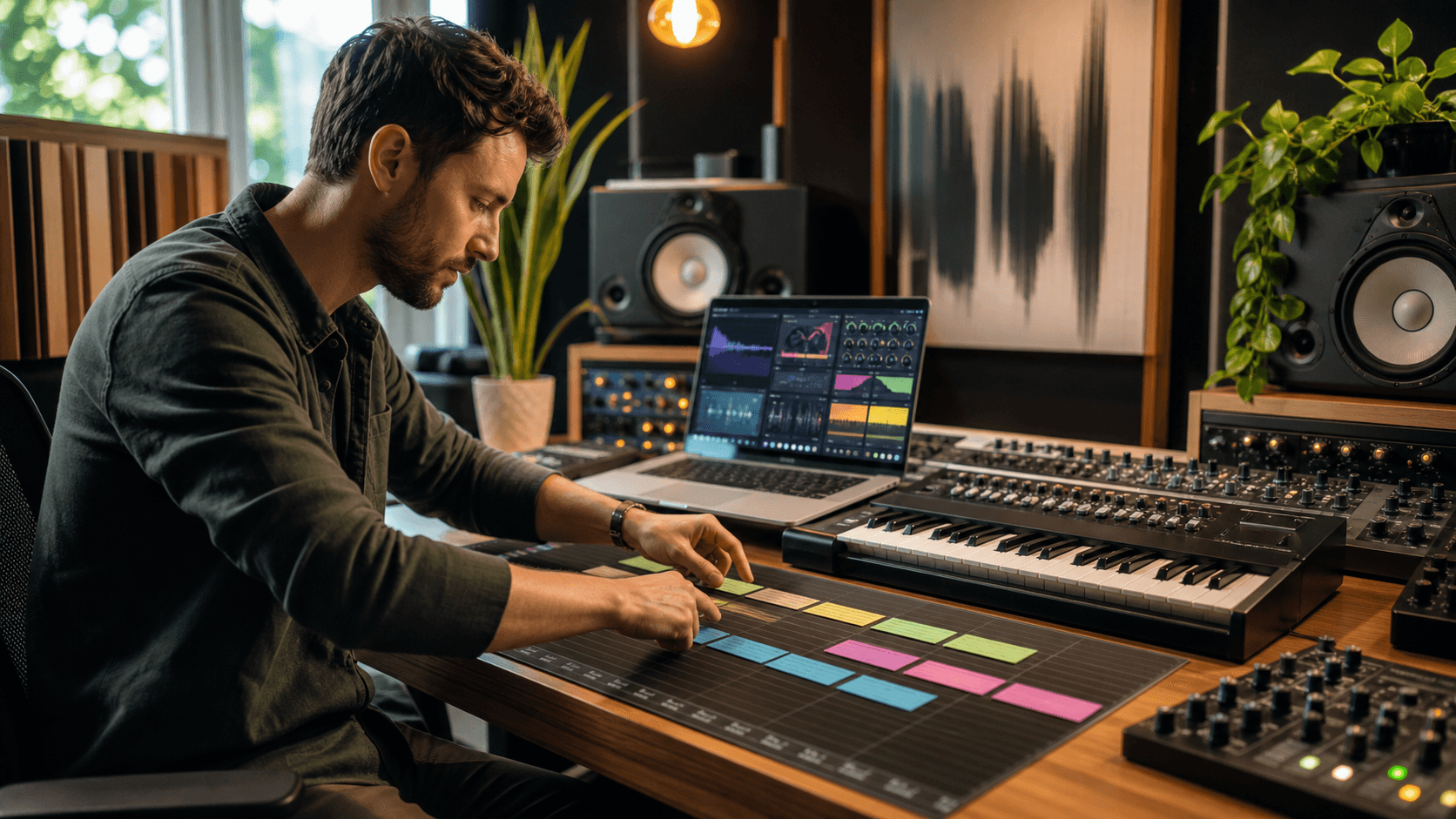
Once you know what you want, it is time to score each plugin you own. This can feel boring, but it saves a huge amount of time later.
Make a simple spreadsheet or note with each plugin and rate it on:
- How often you use it
- How heavy it is on CPU
- Sound quality for your ears and music
- Stability inside your DAW
- How unique it is compared to other plugins you already have
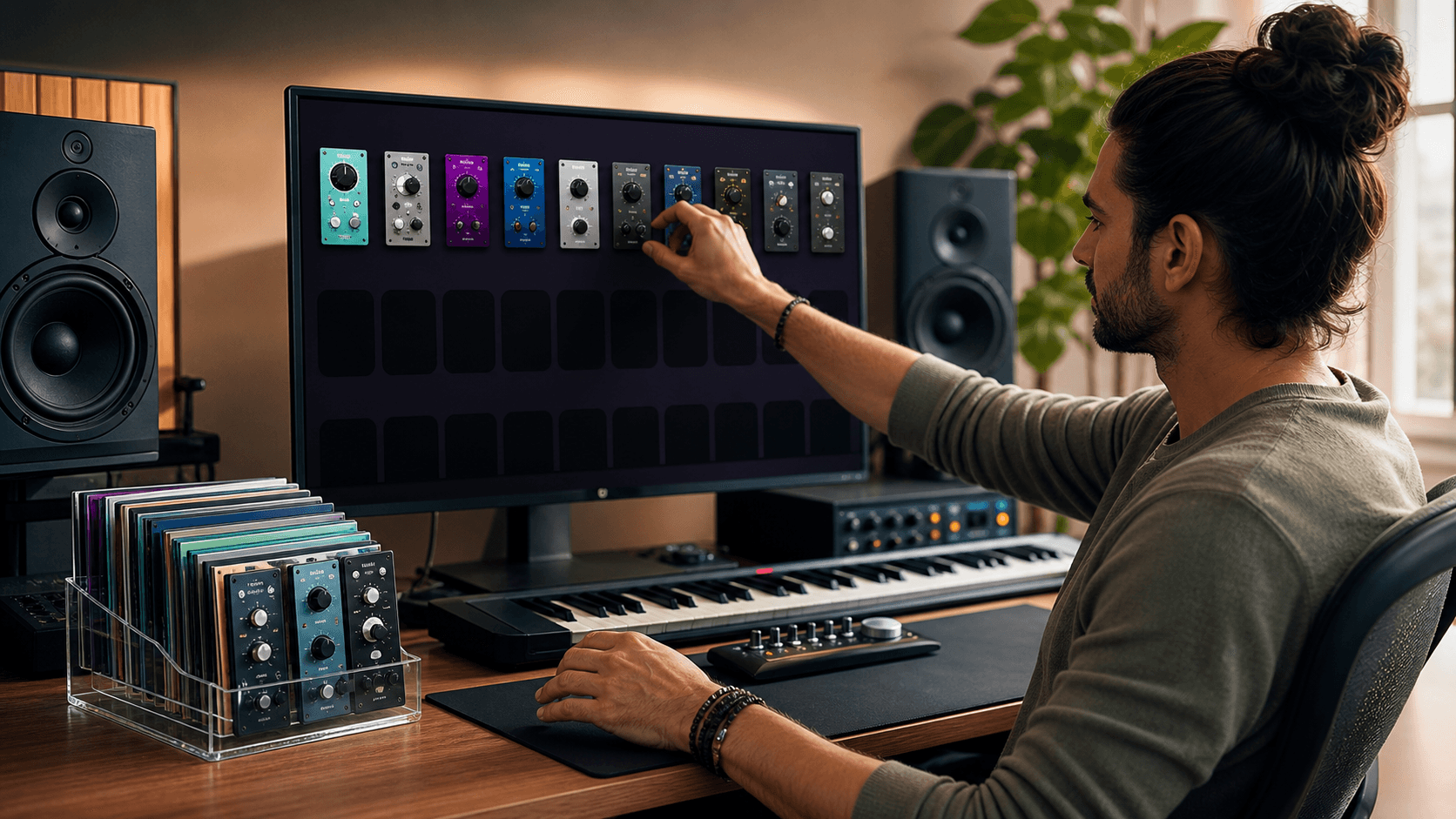
From that, sort into four buckets: Essential, Situational, Legacy, and Exit Candidates.
- Essential: part of your daily workflow, fits your core rig
- Situational: special color or effect you use sometimes, but still important
- Legacy: needed only for old projects or rare formats
- Exit Candidates: never used, unstable, or completely replaced by better options
Inside your DAW, use favorites lists, custom folders, or tags so your Essential and key Situational plugins rise to the top. Color code where you can. Rename presets with clear labels like "Vocal Clean Start" or "Drum Bus Glue" so you spot your go-to choices fast when the clock is ticking.
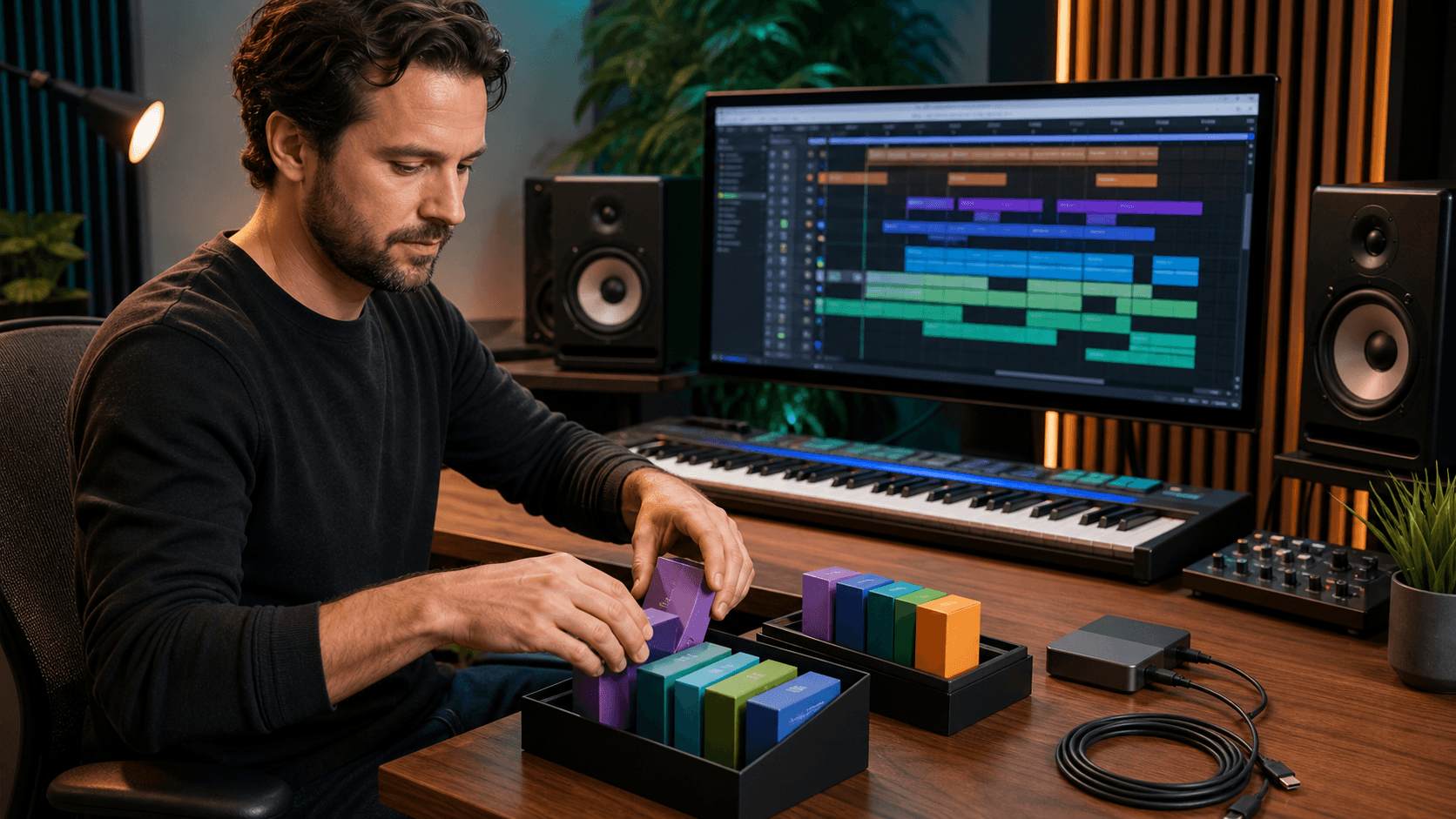
Before removing anything, back everything up. Export a list of all installed digital-audio-workstation plugins, save license info and installers, and keep that in a safe folder. Grab a screenshot or export of your current setup too. If something important goes missing later, you can roll back without panic.
Build a Lean Core Set Without Losing Creative Range
Now we start trimming. Focus on function. Ask, "Which plugin covers this job best for me?" then commit.
For example:
- EQ: pick one clean surgical EQ plus one that gives character
- Compression: one fast, one smooth, one colorful, instead of a dozen lookalikes
- Reverb: one natural space and one more creative or lush style
- Delay: one flexible delay that can go from simple to wild
Shift your mindset from "more" to "mastery". Knowing a smaller plugin set deepens your familiarity, speeds up your workflow, and clarifies your unique sonic identity.
A lean setup easily accommodates different genres. Film scoring requires deep orchestral libraries, a core synth, and spatial effects. EDM or hip hop relies on drum plugins, bass synths, and punchy low-end mix tools. Pop centers on vocal chains, bus processing, and powerful virtual instruments.
The goal is to handle 80 percent of your work using plugins you know thoroughly, preserving a few unique ones for distinct flavor.
Migrate Old Projects Without Breaking Sessions
This is where many people get burned. Removing or updating plugins without a plan can break older sessions. Missing plugins, reset presets, or changed behavior can shift your mix in ways that are hard to fix.
Use a safe workflow before you touch anything:
- Duplicate any important legacy project and work on the copy
- Open the session and make reference bounces of the full mix and key stems
- Render critical plugin chains to audio, especially rare or discontinued plugins
- Save presets from old plugins so you can copy settings if needed
Once your sounds are committed to audio, you can start moving old chains over to your new lean set. Use your reference bounce as your guide. Match the feel and tone, not each knob number. Often your new core plugins will give you a cleaner or more controlled version of the same idea.
You do not have to fix every old project at once. Just update chains when you reopen them. Over time, more and more of your back catalog will move onto your new, tighter setup.
Maintain Your New Rig and Upgrade Smarter
A lean plugin rig is not a one-time project; it is an ongoing habit. Late summer and right after the holidays are good times to run a quick check, especially when the weather shifts and we tend to spend more time indoors working on music.
Create a short seasonal routine:
- Scan your installed plugins and mark anything you have not used in months
- Test a few older sessions, make sure everything still opens
- After big OS or DAW updates, open key projects to confirm stability
Before you grab a new plugin during a big promotion, run it through a simple filter. Ask:
- Does this solve a clear problem I keep running into?
- Will it replace something weaker I already own?
- Does it truly add a new sound or workflow, or is it just another version of what I have?
Finally, write down your own plugin exit strategy. Set clear rules for when to uninstall, archive, or replace a plugin. Add a tiny checklist you follow every time you install something new. That way your digital-audio-workstation plugins stay focused, your sessions stay solid, and your creativity stays in front of the screen, not buried in menus.
Get Started With Your Project Today
Bring your next track to life with our carefully curated collection of digital audio workstation plugins designed for producers at every level. At Audio Plugin Deals, we focus on plugins that inspire creativity while keeping your workflow fast and efficient.
Explore new sounds, refine your mix, and upgrade your toolkit without breaking your budget. If you have questions about which plugins are right for you, feel free to contact us.