Introduction
As track counts rise and arrangements get denser, dynamic range gets harder to manage. When multiple layers fight for the same sonic space, it doesn't take much for transients to poke through or for sustained sounds to overpower the groove. To keep a mix balanced, we need ways to control those peaks and valleys without getting bogged down in endless volume automation.
That is exactly why having the right dynamic plugins in your template is essential. Modern compressors, limiters, and transient shapers provide real-time visual feedback, targeted control, and vital character. The right tools let us catch rogue peaks before they hit the master bus and carve out space so every element sits exactly where it belongs.
Understanding Dynamic Range in a Mix
Dynamic range management comes down to two specific areas: micro and macro dynamics. Micro dynamics happen inside a single clip or track, like the difference between the sharp attack of a snare hit and its quieter ghost notes. Macro dynamics stretch across full groups and sections, dictating how a heavy bassline relates to the synth pads, or how the verse builds into the chorus.
When dynamic balance is off, the mix falls apart. A vocal might sound harsh, but the real issue is the guitar layer behind it hasn't been tamed. Or the kick and sub-bass are eating up all your headroom, causing your bus compressor to pump unnaturally.
To fix this, we rely on plugins that shape dynamics proactively. Compressors do the heavy lifting by clamping down on peaks and lifting the tails of sounds. Transient shapers give us precise control over the attack and sustain, allowing us to pull a snare forward or push a rhythm guitar back into the pocket. Limiters put a hard ceiling on the audio, ensuring nothing clips while raising the overall perceived loudness.
Visual Tools That Make Dynamic Range Easier to Dial In
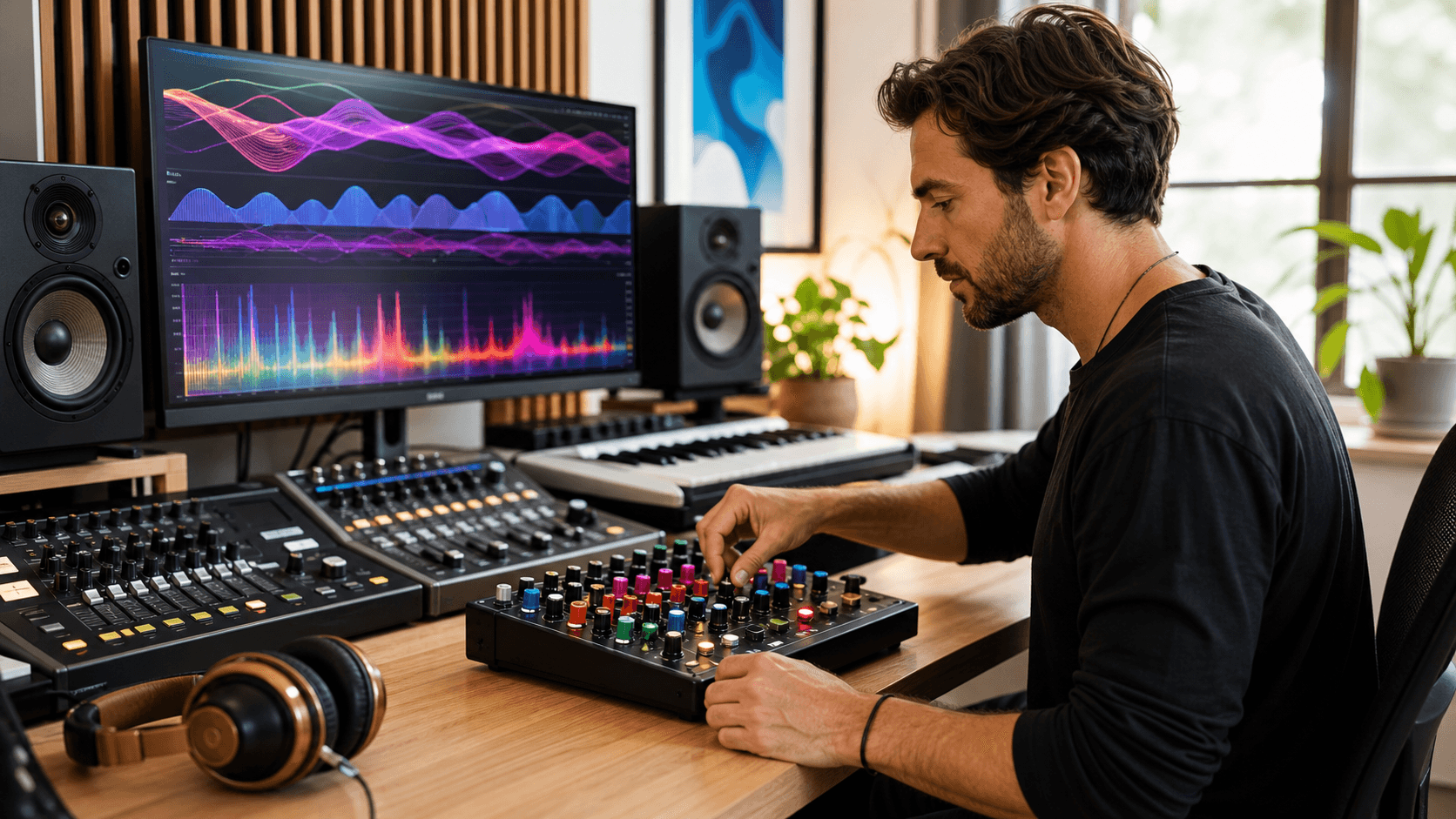
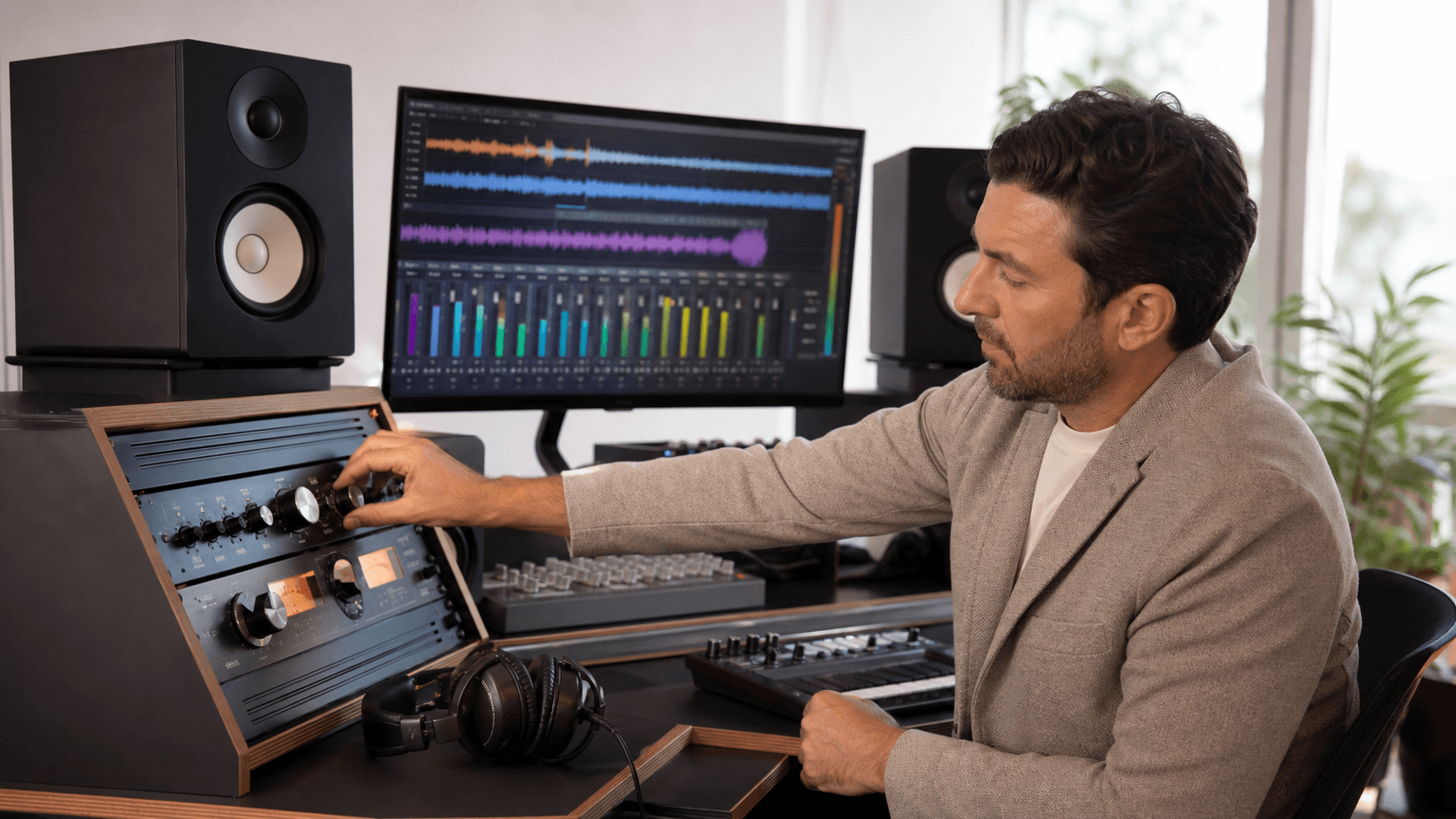
We rely on our ears first, but during a long session with a thick track count, visual feedback is a lifesaver. When meters and waveforms display exactly what a compressor is doing to the audio in real-time, it becomes much faster to pin down problematic frequencies and move on.
A few visual features we always look for:
- Real-time metering that displays both input/output levels and exact gain reduction.
- Peak hold and RMS readouts to track average energy alongside sudden spikes.
- Visual compression curves that show exactly where the threshold and knee sit.
This is where AI-assisted tools excel. For example, the plugins in thesonible smart:essentials bundle (like smart:comp 3 and smart:limit) use a semantic Compression Matrix and extensive real-time loudness monitoring. Instead of guessing parameters, you get immediate visual feedback on LUFS, True Peak, and Loudness Range, allowing you to intuitively dial in the exact dynamic profile you need for your source material.
Plugin Types That Make the Most Difference
Not all dynamic plugins do the same job. Some are highly surgical and transparent, while others are specifically designed to add weight, harmonic distortion, and analog "glue."
Here are the specific types of tools we return to most when shaping dynamics:
Multiband Compressors: When you only need to compress a specific frequency range, like taming the low-mid mud of a bass guitar or the harsh 3kHz spike of a vocal, multiband is the answer. TheFuse Compressor by Minimal Audio is a massive workflow upgrade here. It allows you to run upward and downward compression simultaneously across up to six bands, making it incredibly easy to lift quiet details without crushing the transients.
Analog-Modeled "Glue" Compressors: Sometimes you don't want transparency; you want character. Vari-Mu and Opto style compressors react slower and add a warm, musical hug to drum buses and mix busses. TheOmniTec-436C Vari-Mu Compressor by Black Rooster Audio is perfect for this. It emulates classic tube compression to seamlessly glue tracks together while adding rich analog harmonics.
Transient Shapers: When you need a kick drum to punch harder without simply turning up the fader, you adjust the transient. By boosting the attack and shortening the sustain, you can make percussive elements cut through the densest arrangements.
Brickwall Limiters: Used at the end of a chain or on the master bus, a great limiter catches the final peaks and allows you to push the track to commercial loudness standards without introducing unwanted distortion or pumping artifacts.
Keeping Range in Check Without Slowing Down
Speed matters in professional audio. Great dynamic control doesn't mean much if you blow your deadline tweaking attack and release times. That's why we build reusable plugin setups and maintain clean routing structures.
Habits that speed up dynamic processing:
- Grouping similar tracks (like all backing vocals or layered synths) and processing their dynamics together on a single bus.
- Saving your favorite compressor and limiter settings as presets so you don't start from scratch on every mix.
- Utilizing clip gain to manually level out extreme volume jumps before the audio ever hits your compressor plugin. This prevents the compressor from overworking and sounding unnatural.
Clear Sound at Every Stage
We manage dynamic range from the tracking phase all the way to the final master bounce. This habit ensures sessions sound polished and professional before the mastering engineer ever touches them.
Clean mixes come from making deliberate dynamic choices through every layer of the production. When we control the range visually, sonically, and logically, the mixing process becomes infinitely smoother. Less backtracking, less fighting for headroom, and more time focusing on the music itself.
Shaping up layered mixes this season starts with having the right tools on hand, and at Audio Plugin Deals, we rely on plugins that keep our sessions running smoothly and help us get ahead of volume jumps and tonal clutter. Some of our favorite dynamic control approaches use flexible, well-built options among today's leading music production plugins. We're here to help make creativity easier and keep your mix process moving. Tell us about your next project and let us know how we can support your goals.