Building a Stable, Future-Proof Music Production Setup
Good music production software should make our workflow smoother for years, not just for a weekend of testing. The rush of grabbing a shiny new plugin is fun until it crashes during a session or stops working completely after an operating system update. Suddenly, you are stuck with broken projects, missing audio, and a bad mood.
Reliable, well-maintained plugins mean our mixes open flawlessly every time, our live sets stay perfectly stable, and we are not terrified of updating our computer's operating system. When we think long-term about software compatibility, we build a digital setup that functions like a professional studio, not just a random folder of abandoned downloads.
Here, we will walk through how to spot plugins with excellent developer support, how to properly test them for stability, and how to build a core setup that stays perfectly compatible even as operating systems and DAWs evolve.
What Makes a Plugin Truly Future-Proof
Some plugins continue working flawlessly across multiple computers, DAWs, and operating system generations. Others vanish into obsolescence after a single OS update. The biggest difference usually comes down to the developer's commitment to maintenance.
Things to look for in a software developer:
- A clear, consistent history of bug fixes and compatibility updates
- Support for current DAW formats like VST3, AU, AAX, and newer open standards like CLAP
- Quick reactions when major operating systems (like macOS or Windows) release major updates
- Simple, reliable ways to keep licenses working when migrating to a new machine
Technical details matter far more than marketing hype. A plugin that is optimized for modern CPU architectures, including Apple Silicon and current Intel/AMD chips, will run smoother and remain compatible longer. Scalable graphics that resize cleanly on both small laptops and large studio monitors also indicate that the code is actively maintained and not stuck in the past.
Good authorization systems are another massive factor. Cloud license checks should be reliable and unobtrusive. Offline authorization options and physical license files are even better, ensuring that a simple internet outage will not kill your mix session.
Then we have the musical value. Plugins that stay in your template for years are usually built on solid DSP (Digital Signal Processing) and good ears.
Signs of long-term musical value include:
- A wide control range that sounds good from gentle tweaks to extreme settings
- Completely clean, artifact-free sound at conservative settings
- A clear, intuitive layout so we can work fast without reading a manual
- Presets that act as great starting points for many genres, not just one narrow niche
Trendy one-knob effects can be fun for a few weeks, but the software that stays in our projects tends to be the tools that help us solve real mix problems again and again.
Evaluating Music Production Software Before You Buy
Before we grab the next hyped plugin, it helps to pause and research its stability. A few minutes of checking compatibility up front can save us from a hard drive full of broken, unusable software.
Good steps when vetting a plugin:
- Read the developer's changelog to see how often it actually gets updated
- Browse user forums (like Reddit's audio engineering communities or Gearspace) to see if users complain about crashes or abandoned software
- Look at other plugins from the same developer and see if they have a history of keeping their older products updated
Demos and trial periods are your best friends. Instead of just loading the default preset and playing a single riff, drop the plugin into a heavy, realistic project. Watch how your DAW's CPU meter behaves when the session gets dense. Automate a few parameters, save the project, and then close and reopen it. If the session recalls exactly as you left it, that is a fantastic sign of stable code.
Try testing it in a few different DAWs if you use more than one. If a plugin acts weird, crashes, or drops audio when you bounce, freeze tracks, or change your audio interface's buffer size, it is absolutely going to cause major headaches later on.
Licensing is also a huge part of long-term software value. We want to know:
- How many simultaneous machines we can install the software on
- If there is a reliable offline mode for activation
- How upgrade pricing works when major new versions (like v2.0) are released
- If the developer has a history of honoring old licenses or forcing expensive subscription models
When we think about how our sessions need to open three to five years from now, clear and fair software license terms start to feel just as important as the sound quality.
Building a Core Plugin Setup That Stays Relevant
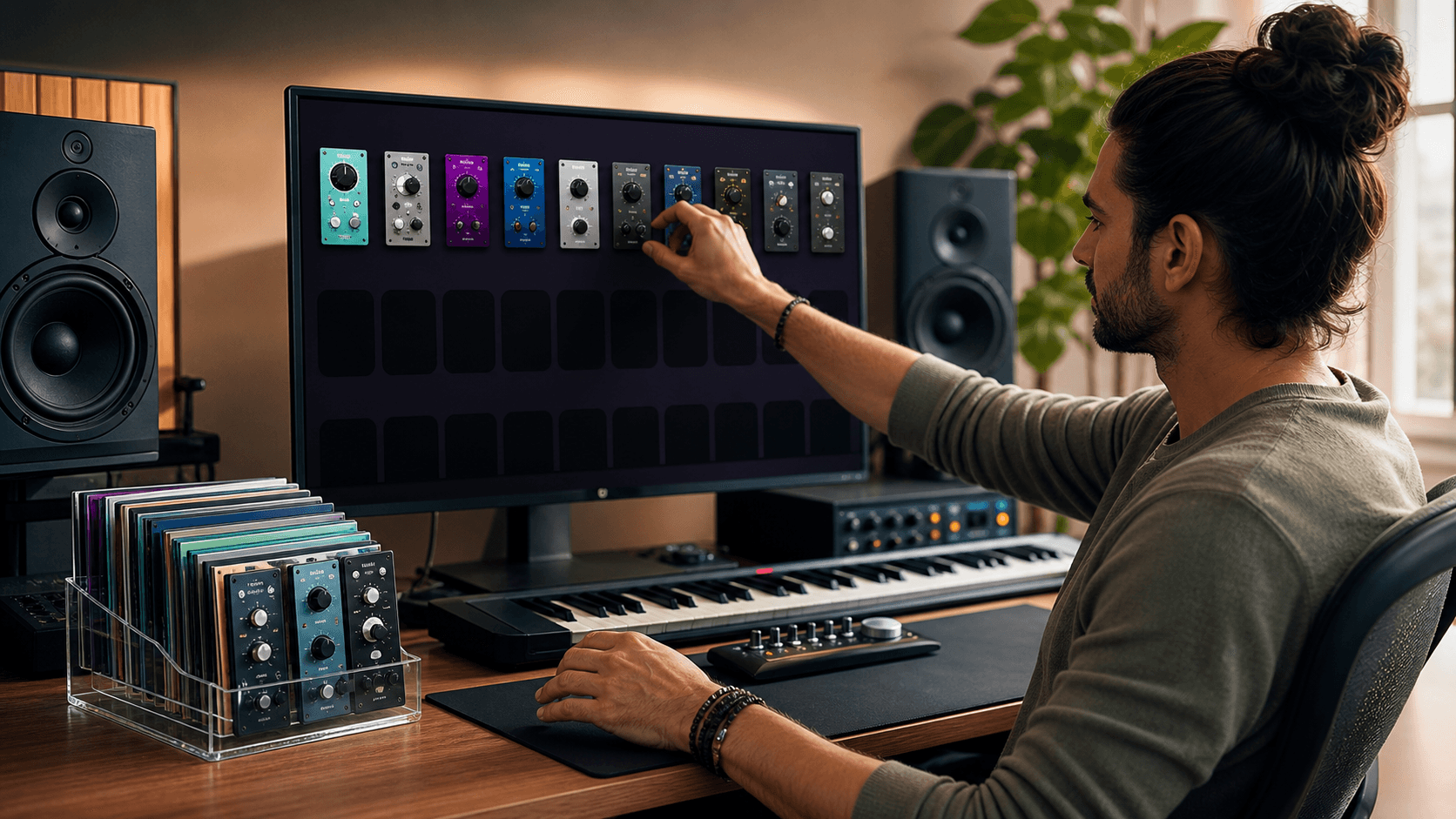
Instead of chasing every new release, it helps to build a lean, rock-solid core stack that covers all the absolute basics. Once that base is highly stable, we can add experimental flavors on top.
A highly stable core usually includes:
- A couple of EQs (one transparent, one analog-modeled for character)
- At least two compressors for different dynamic flavors
- A versatile saturation or distortion plugin for color
- A highly flexible, low-CPU reverb and delay
- One or two bread-and-butter synths or samplers with deep programming options
When picking each category, we want plugins that let us move quickly. Clear visual metering, easy gain staging, and a resizable UI matter significantly more than ten tiny features we might never touch. A wide tonal range is key too, so the exact same compressor plugin can handle pop, hip-hop, rock, and electronic music as your personal style shifts.
At Audio Plugin Deals, we focus heavily on bundles that bring together well-maintained flagships and developer ecosystems with proven track records. Done right, seasonal promotions can help us lock in a highly stable digital base that grows with us, instead of filling our hard drives with throwaway experiments that break after the next OS update.
Upgrade Your Plugin Choices with a Long-View Mindset
Every single plugin we install has the potential to crash our future projects. When we treat each new software purchase like a multi-year commitment to compatibility, we start to care a lot less about the current hype and much more about code reliability, CPU efficiency, and actual musical feel.
A simple checklist before saying yes to any new plugin:
- Does the developer have a proven history of regular updates and fast tech support?
- Does the code natively support modern plugin formats (VST3/AU/AAX) and current CPU platforms (Apple Silicon/Modern Windows)?
- Are the license terms clear, with fair installation limits and offline options?
- Does it stay perfectly stable in heavy projects and recall exactly across different DAWs?
- Does it genuinely help us make faster, better mix decisions?
At Audio Plugin Deals, we absolutely love the thrill of new sounds, but we care most about helping producers build a lean, future-ready digital setup. When we choose software with this long-term view, our sessions keep opening smoothly, our mixes grow more consistent, and the plugins we buy this summer will still be the reliable tools we reach for many seasons to come.
Get Started With Your Project Today
Explore our curated selection of music production software to find the plugins that fit your workflow, budget, and creative goals. At Audio Plugin Deals, we carefully handpick every deal so you can focus on making music instead of hunting for discounts. If you have questions about choosing the right plugins or bundles, contact us and we will help you decide what works best for your setup.