Late spring is a good time for producers to check in with their setup and see what's helping and what's getting in the way. As summer projects start to build up, your plugins and software either keep things moving or slow everything down. Workflow takes a hit when we're scrambling to organize sound libraries or troubleshoot outdated synths.
This is where smart timing with music software deals makes a difference. Knowing when to update certain plugins or grab new ones can shape how smooth things go once your calendar fills up. You want to be ready before full-on summer sessions start. The right deal at the right time can give you that edge without shifting focus away from the music itself.
Audio Plugin Deals frequently features exclusive, limited-time discounts on popular music software bundles from brands like Arturia and Native Instruments, helping producers upgrade with confidence just before their busiest months.
Revisiting Your Kit Before Summer Sessions Kick Off
We've all been there: opening an old project only to realize a plugin license expired, a major version update wiped your custom presets, or missing sample paths completely changed how your drum bus sounds. That's why late spring is a useful window to take stock of your instruments, effects, and sound libraries.
- Scan your VST folder for outdated versions or missing library files • Revisit synths or effects you haven't used in a few months and decide if they still have a place in your template • Check your routing templates to ensure your default software instruments load without errors
Timing software refreshes around music software deals means you're not only fixing problems, you're proactively upgrading. Instead of patching things mid-session, you're entering summer with a dialed-in setup that just works. That kind of planning lets you create more and troubleshoot less, especially when pressure picks up.
Spotting the Right Plugins at the Right Time
Not every software deal is worth grabbing. The useful ones are the kits, synths, and bundles that match how you actually work.
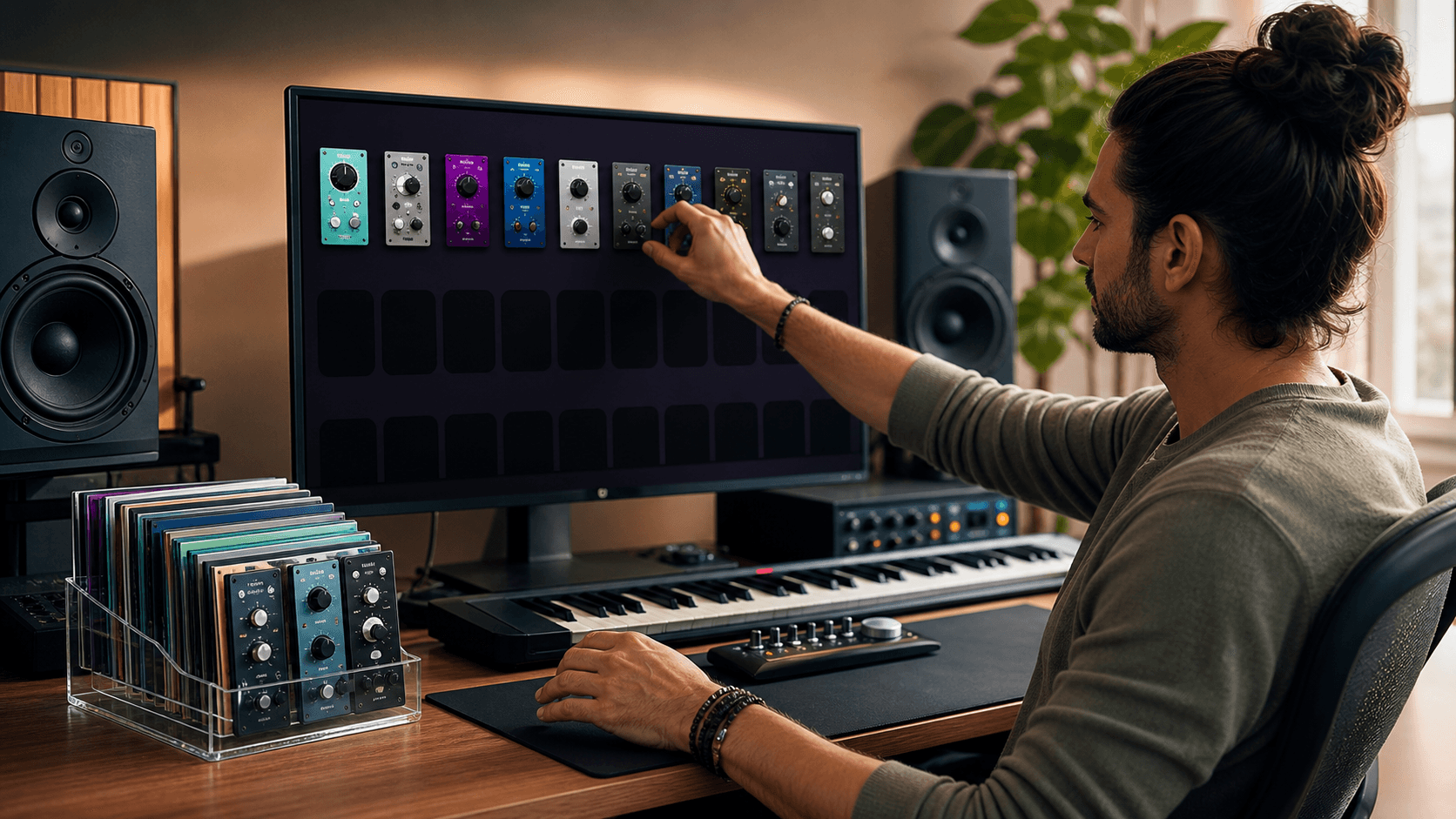
- Focus on plugins that replace clunky workarounds you've outgrown • Look at interface layout and CPU efficiency before getting pulled in by style or branding • Consider bundles only if they cover a definitive gap in your production chain
Match new software to where your workflow breaks down. If arranging percussion layers gets repetitive, maybe a better sampler or loop engine helps. If tracks keep needing the same type of push during mixing, an EQ or compressor built for speed might be a better fit. It's less about stacking software and more about replacing drag with momentum.
Decide if the plugin or bundle adds value beyond what you already have. A software deal should actually fix a real problem or help you explore a specific style. If there's already an EQ doing that job perfectly well, the upgrade may not be worth the hard drive space.
Organizing New Software Around Your Project Calendar
It's easy to download a massive bundle and forget about it. That's usually what slows us down later. Instead, set time aside to install, name, and sort files as soon as a new plugin or expansion drops.
- Sort sounds or effects into genre-based folders tied to current projects • Flag or tag unorganized items so they don't accidentally end up cluttering your favorites list • Use the same short codes or color schemes across your DAW to keep things consistent
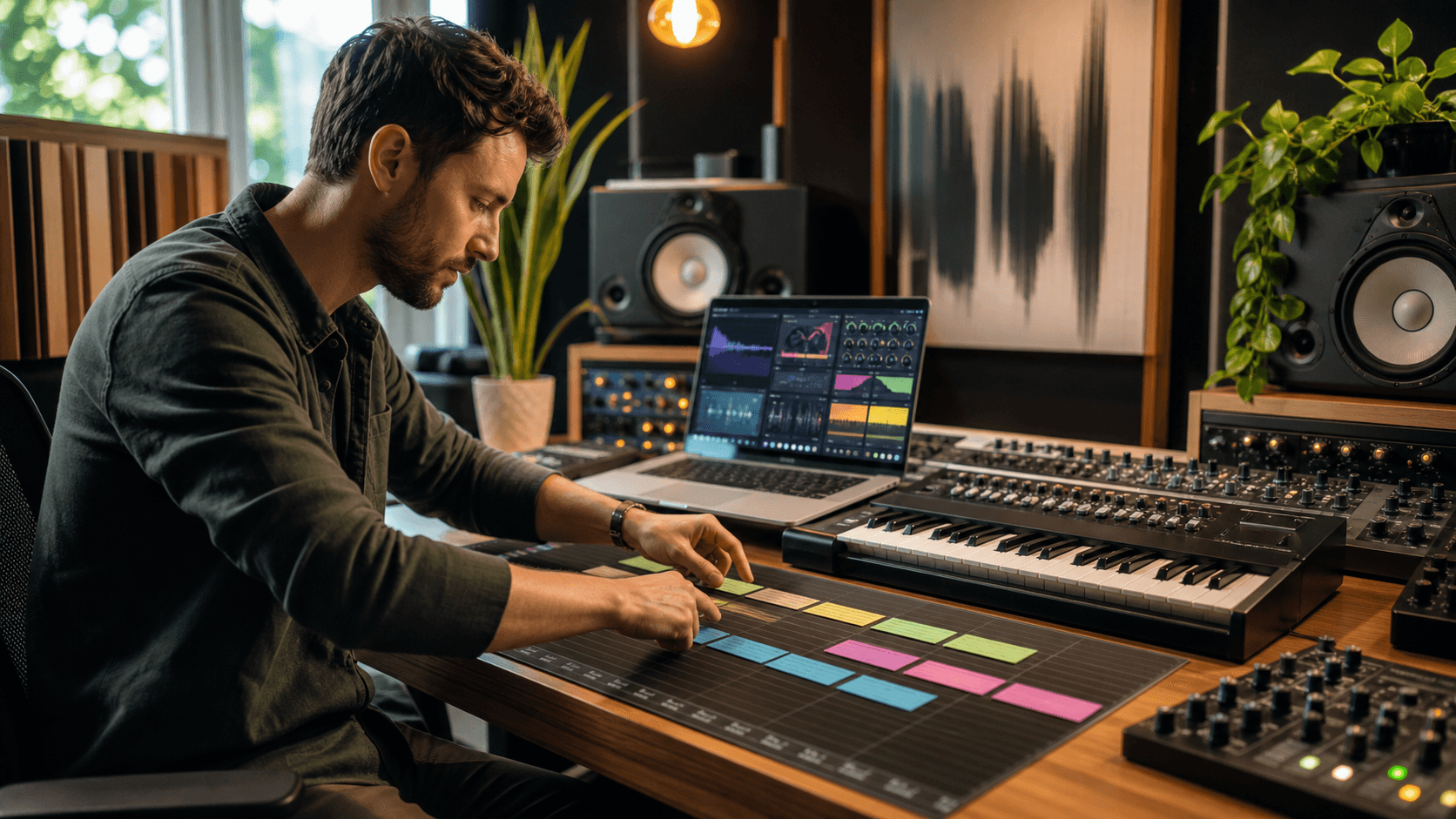
When deals drop in spring, look at what's coming up on the calendar. If you have a July release date, June will be all about final mixes. That tells you the software added in May needs to be something you'll actually lean on in those coming weeks, not a highly complex modular synth you won't have time to master.
Music Production Prep: Testing Your New Plugins
The temptation to download everything on sale and throw it straight into an active mix can wreck a good rhythm. Loading too many unfamiliar plugins at once turns a normal session into a guessing game, which is the last thing you want when deadlines are near. To avoid surprises, dedicate specific time to learning how your new software behaves.
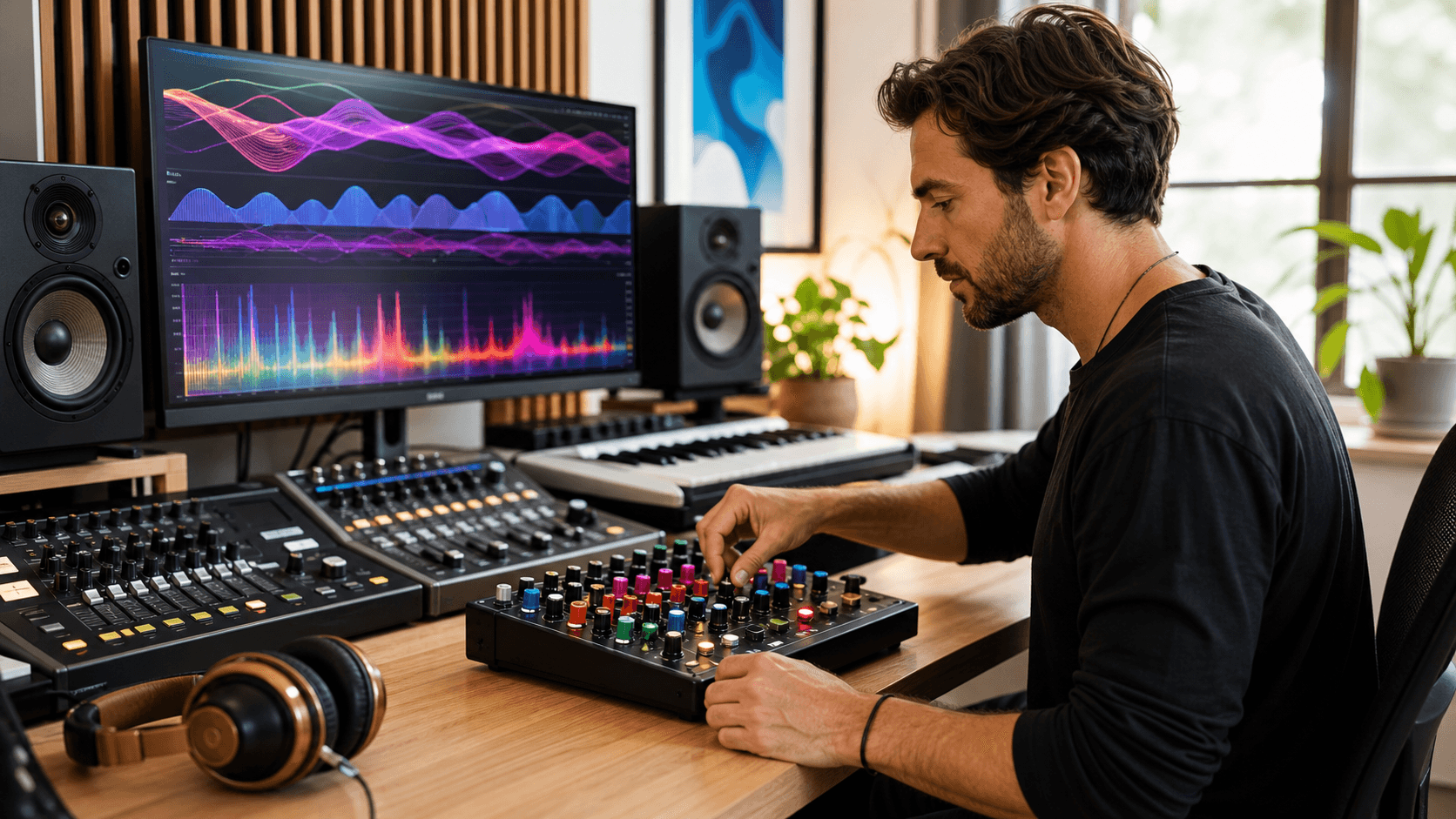
- Schedule a couple of sessions specifically for experimenting, keeping "test days" entirely separate from "real project" days • Add new plugins in small batches so you aren't overwhelmed by learning curves • Test favorite FX chains to make sure they still load properly after system updates or new installations • Map macros or MIDI shortcuts so you aren't digging through menus in real-time
Doing this prep work means you aren't figuring out how a compressor behaves during a final bounce. You've already run it a few times, saved your favorite custom presets, and built trust in the sound. Write down things you notice, like a feature that speeds up sidechaining, so you can recall those tricks instantly when you are back on the clock.
Smarter Planning Means Faster Finishing
Planning around music software deals isn't about hoarding plugins; it's about having the exact ones you need exactly when you need them. You want to hit summer running, not guessing which presets belong where or fighting CPU overloads.
By keeping your plugin library lean and organized before sessions kick off, you get to focus on the good part: making music. Tweaks are faster, ideas come together quicker, and every part of the process moves with less friction.
When software is already in place and behaves exactly as expected, finishing a sketch or building a mix becomes a seamless habit. That prep gives you confidence in your system, leaving you more time for what matters most.
Upgrade Your Studio Workflow With Better Planning
Looking to streamline your studio workflow this season? Planning around reliable software makes a real difference, and lasting improvements come from plugins that integrate seamlessly with your process. That's why at Audio Plugin Deals, we focus on sourcing the kinds of music software deals that support your everyday sessions. Let's connect and fine-tune your setup before your next round of projects takes off.