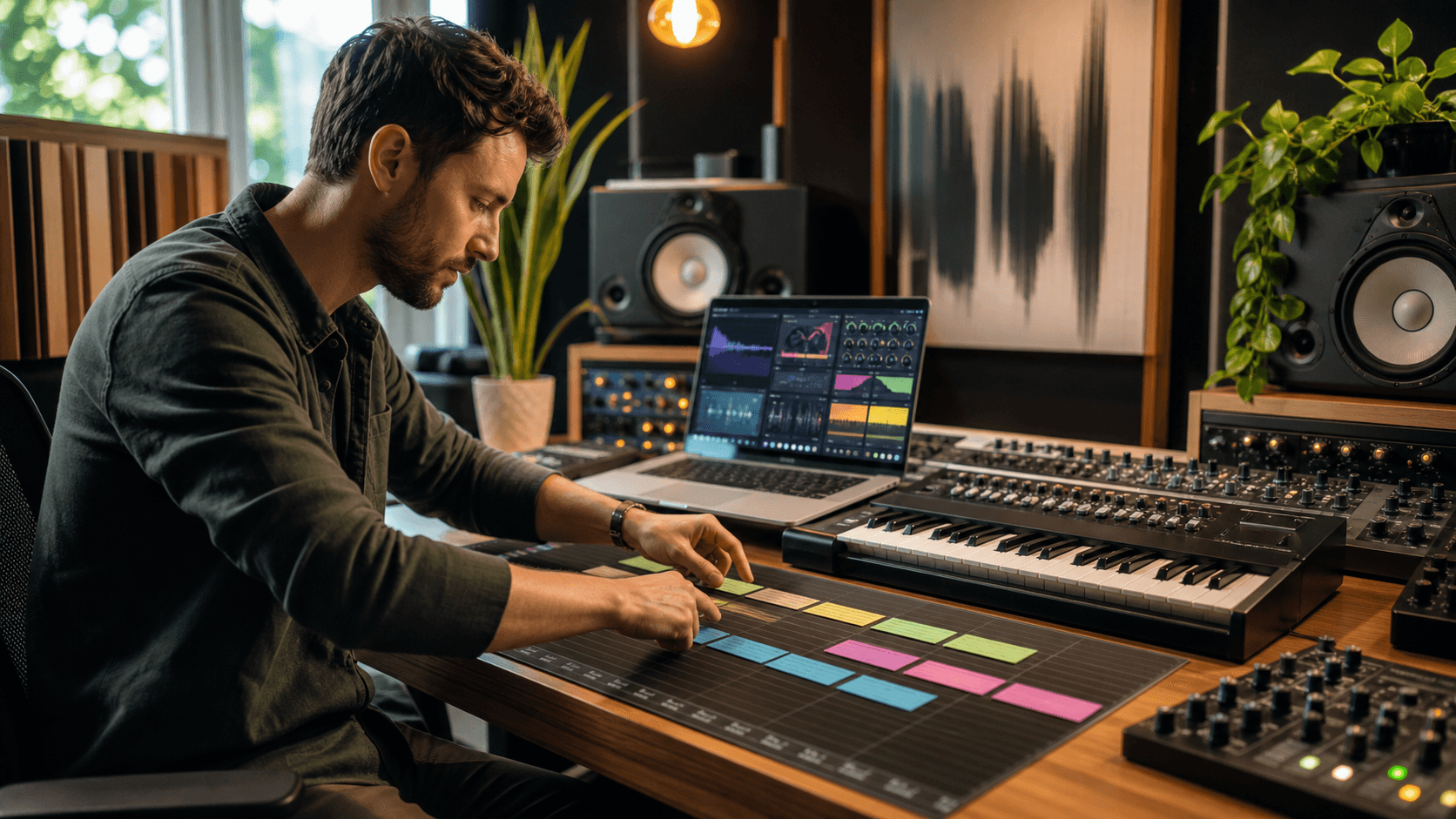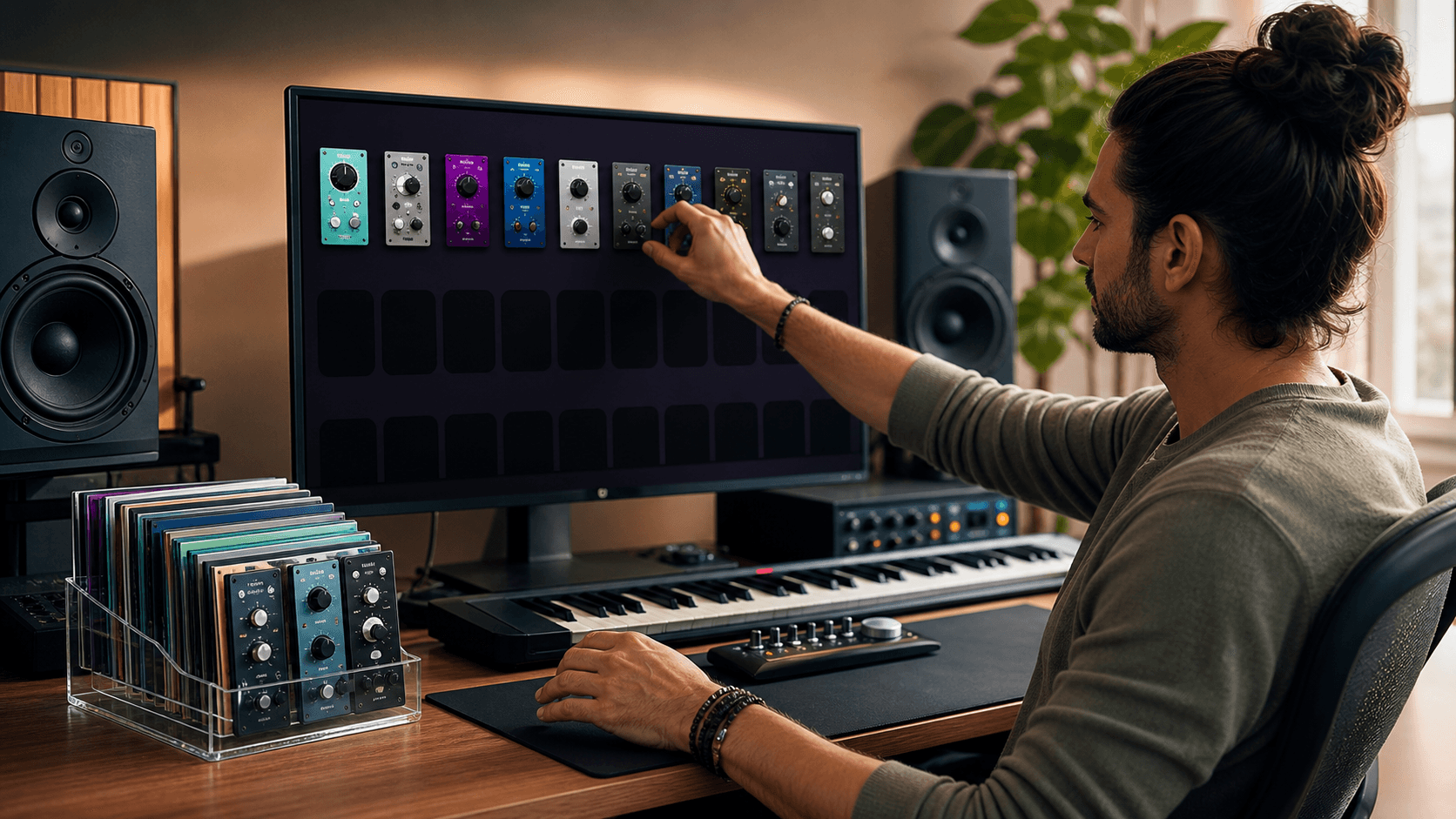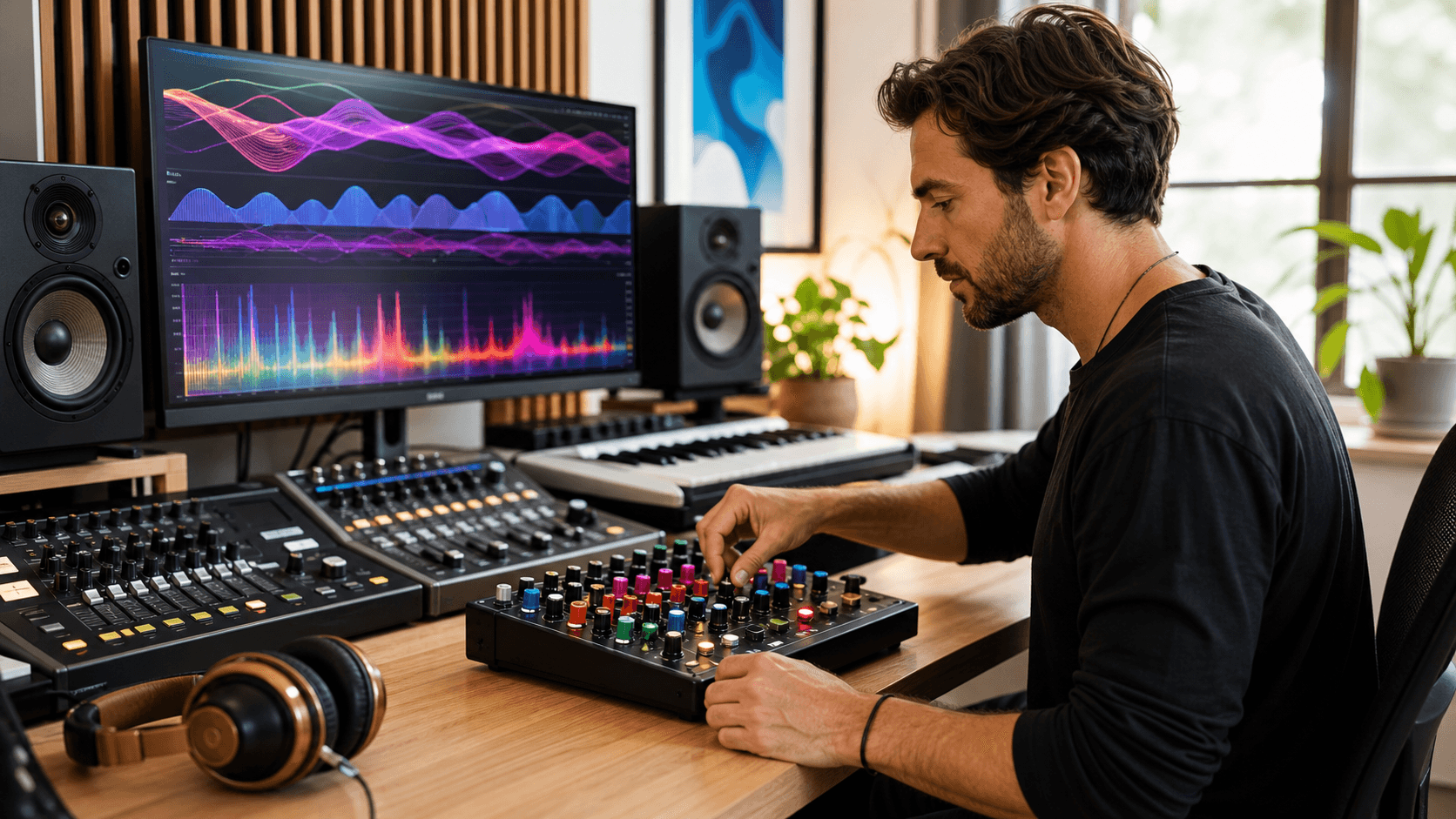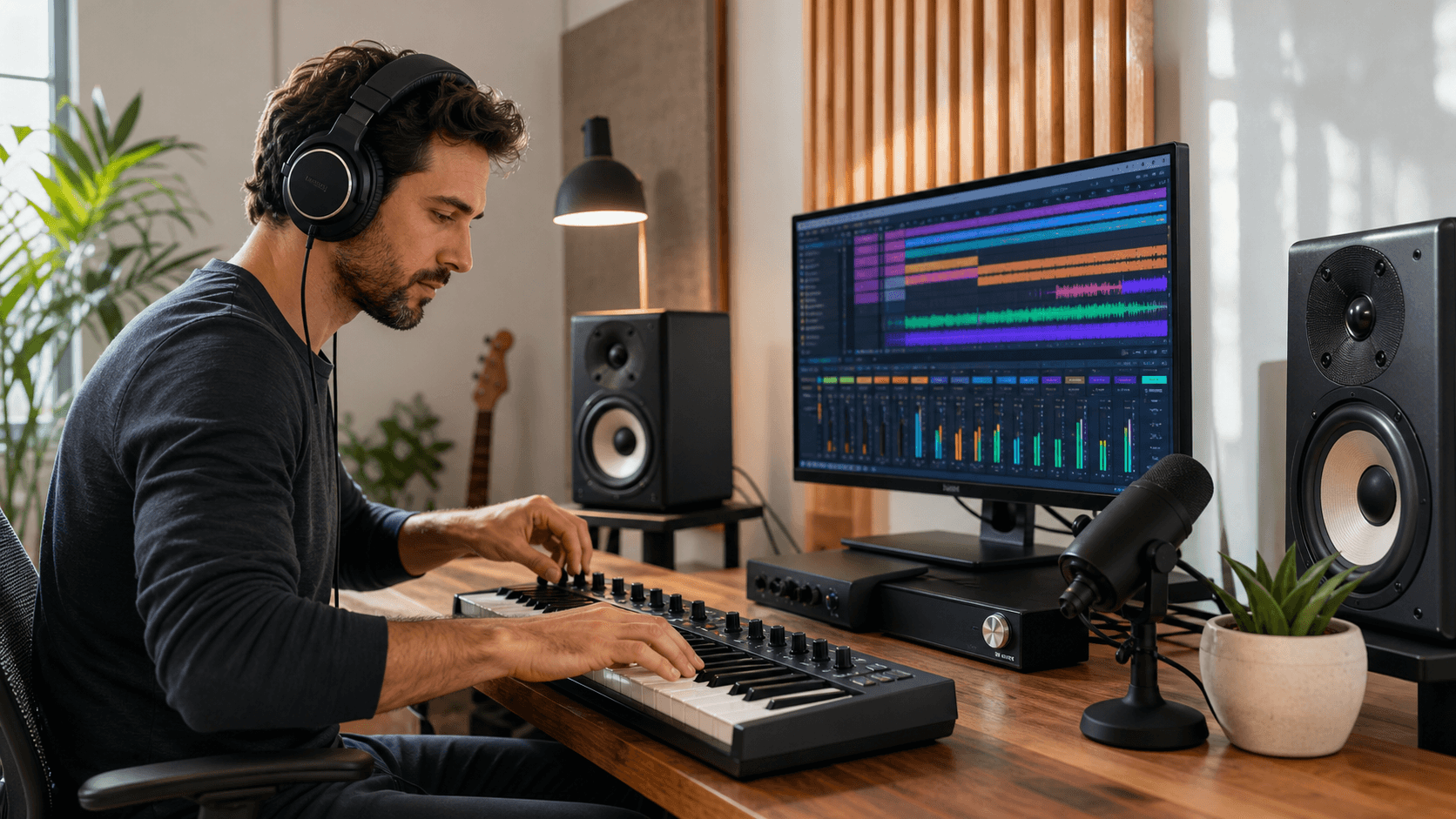
Turn Your PC Into a Serious Music Production Studio
Music production software for PC can feel confusing, but it does not have to be. If you are a serious beginner, you probably already have an audio interface, a pair of headphones, and a real desire to make music that sounds pro, not just like a rough demo. The missing piece is understanding what software you actually need, what can wait, and how to avoid wasting money on random plugins you never learn.
In this guide, we will break down the main kinds of software, how to choose a DAW that fits your style, which plugins matter most, and how to build your setup step by step on a normal budget. By the end, you will know exactly what to focus on so your PC can feel like a real studio, not just a cluttered folder of downloads.
A "serious beginner" is not someone just clicking around for fun once a month. It is someone who has basic gear, like an audio interface and headphones, is ready to finish full tracks (not only loops), and wants cleaner mixes and stronger sounds but feels unsure where to start with software. If that sounds like you, you are in the right place.
Understanding the Core Software You Actually Need
The heart of music production software for PC is your DAW, your digital audio workstation. This is where you record, arrange, edit, and mix. It is like your studio floor, tape machine, and mixing desk all in one screen.
Around your DAW, you have three big software groups:
- DAWs: The main program where you make songs
- Virtual instruments: Drum machines, synths, pianos, strings, and more that you play with MIDI
- Effects plugins: EQ, compression, reverb, delay, saturation, and others that shape your sound
Virtual instruments give you the sounds, while effects plugins shape how those sounds feel. Your DAW is what glues it all together.
You will also run into different license types, mainly perpetual licenses (where you pay once and keep that version forever) and subscriptions (where you pay regularly to keep using the software and get updates). Both can work, but make sure to read what you actually get, such as how many PCs you can install on and what happens if you stop paying.
System requirements really matter on PC, so it is always worth checking the basics before you buy:
- Minimum CPU and RAM
- Disk space, especially for big sound libraries
- Operating system version
- Whether the plugins support your DAW and plugin formats like VST
If your PC is set up well and optimized, you get lower latency, fewer crashes, and smoother sessions.
Choosing the Right DAW for Your Music and Workflow
Not every DAW feels the same. They all can make great music, but they lean toward different workflows. Here is a simple way to think about some popular PC friendly DAWs:
- FL Studio: Great for beat-making, loop-based tracks, and electronic styles
- Ableton Live: Strong for live performance, electronic, and remixing, very loop-focused
- Studio One: Good all-rounder, nice for recording, mixing, and songwriting
- Cubase: Deep features for composers, scoring, and detailed editing
- Reaper: Very flexible, light on your system, with a lot of customization
The right DAW is the one that matches how your brain likes to work. To narrow it down, ask yourself:
- Do I build tracks from loops and patterns, or record live takes?
- Do I mostly produce beats, write songs, or compose cinematic music?
- Will I work with singers, bands, or just inside the box?
Beyond workflow, a few practical factors also help you choose:
- Budget: Start with a version that gives you what you need right now
- Computer power: Some DAWs and bundles are heavier than others
- MIDI needs: If you love synths and drums, make sure MIDI editing feels good to you
- Remote work: If you are trading projects with others online, check what DAWs they use, or if you can export stems easily
Brand hype matters far less than comfort. A DAW you know well will beat a fancy one you barely understand.
Essential Plugins That Elevate Beginner Productions
You do not need a huge plugin folder to make strong, clear tracks. For music production software for PC, a tight, smart setup is enough.
A simple starter stack might include:
- Virtual drum instrument for beats and grooves, like theClassic Boxes Collection by d16 Group- Versatile synth for bass, leads, pads, and FX, such asPigments by Arturia orAnalog Lab V- EQ plugin for shaping tone, likesmart:EQ 4 by Sonible orT-RackS EQ 81 by IK Multimedia- Compressor plugin for controlling dynamics, such as theOmniTec-436C Vari-Mu Compressor by Black Rooster Audio- Saturation or distortion for warmth and grit, likeSaturn 2 by FabFilter orTape MELLO-FI by Arturia- Reverb and delay for space and depth, such asPro-R 2 by FabFilter andMutant Delay by WA Production
Your DAW usually comes with stock plugins that cover most of this, and many stock EQs, compressors, and reverbs are more than good enough to get started. The best move early on is to learn those first so you understand what each type of plugin actually does. If you want to experiment without spending anything yet, ourfree plugin collection is a low-risk place to start.
Third-party premium options start to matter when:
- You want a specific sound, likecinematic strings or realistic drums- You feel limited by the look, sound, or workflow of your stock plugins- You know exactly what you are missing, like a better reverb for vocals or a more flexible synth
Marketplaces likeAudio Plugin Deals focus on premium plugins, virtual instruments, and sound libraries with rotating discounts. This can make it easier to add quality pieces to your setup slowly instead of trying to grab everything at once.
Building a Budget-Smart Plugin Strategy
A smart plugin plan starts with priorities. Think in stages, not in huge shopping sprees.
First, cover your basics:
- A DAW you like
- One good drum plugin or drum library
- One strong synth
- Solid EQ, compressor, and reverb, which a starter set like the FabFilter Essentials Bundle or the Sonible pure:bundle can cover in one go
Then, as you discover your style, you can add:
- Genre-focused libraries, like trap drums or orchestral sounds
- Mix plugins you feel are missing, like tape saturation or multi-band compression
- Creative effects, like delays, filters, or special FX
To avoid overbuying, it helps to slow down and make purchasing decisions based on your actual projects. Keep a wishlist instead of buying on impulse, ask yourself "Will I actually learn this in the next two months?", and focus on plugins that solve a real problem in your current tracks.
Rotating plugin deals also mean that not everything is on offer at the same time. A smart move is to:
- Follow deal newsletters and check the current active deals regularly
- Keep a written list of your top plugin needs
- Grab bundles when they fit your goals, not just because they are on sale
This way your PC studio grows with your skills, and each new plugin actually earns its spot.
From Installed to Inspired: Your First 30 Days of Producing
Having the software is one thing. Using it well is what really counts. Here is a simple 4-week plan to get moving.
Week 1:
- Install and authorize your DAW and plugins
- Set up audio settings, sample rate, and buffer size
- Create a few basic project templates for beats, songs, or scoring
Week 2:
- Pick one synth and one drum plugin
- Spend time with presets, then tweak them
- Learn how to save your own presets so your favorite sounds are always ready
Week 3:
- Start and finish one full track, even if it is short
- Use mainly your core plugins so you learn them deeply
- Export a rough mix and take simple notes on what you like and do not like
Week 4:
- Focus on mixing that one track: EQ, compression, reverb, and levels
- Compare your mix to one or two reference songs you love
- Share the track with a few trusted people and listen to their feedback calmly
Good habits for serious beginners include working with a small set of plugins at a time, recreating parts of songs you respect to train your ears, and saving presets and project templates so you move faster every session.
Finishing songs matters more than collecting plugins. Your PC is already powerful, and with thoughtful choices in music production software for PC, you can grow into the producer you want to be.
Get Started With Your Project Today
If you are ready to upgrade your studio without blowing your budget, explore our curated collection of music production software for PC to find plugins that fit your workflow. At Audio Plugin Deals, we handpick plugins that help you produce professional tracks faster and more creatively. Whether you are fine-tuning a mix or building a new sound from scratch, these resources can give you an immediate boost. If you have questions about which plugins are right for you, feel free to contact us for personalized guidance.