Keep Plugin-Heavy Sessions Fast on Any PC
Big sessions do not have to feel like a slow train. If your music production software for PC is full of virtual instruments and heavy effects, you can still keep it quick and fun. The key is planning how your session runs, not just what goes in it.
Here is what we are doing in our own work: we use a clear freeze and commit strategy, a clean bus layout, smart buffer changes, and simple project versioning. Together these steps let us run huge mixes on a midrange PC during the busy summer release season, without changing DAWs or losing ideas.
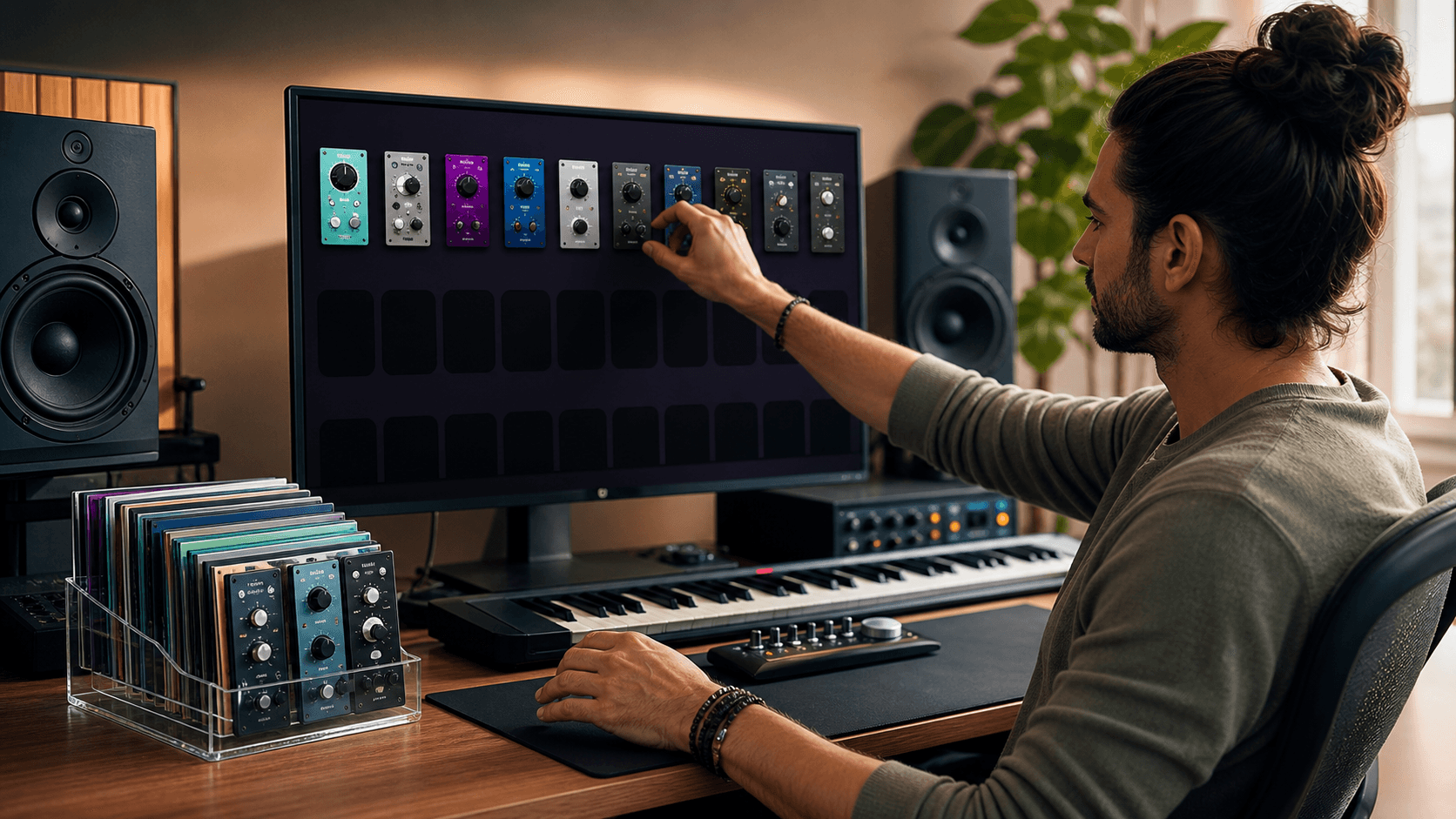
As an online marketplace for premium plugins, we know how easy it is to stack a session with new sounds. Deals on big instruments and wild effects are tempting, and that is great, as long as your workflow is ready. The blueprint below works across most music production software for PC, and you can tweak it to fit your own sound and style.
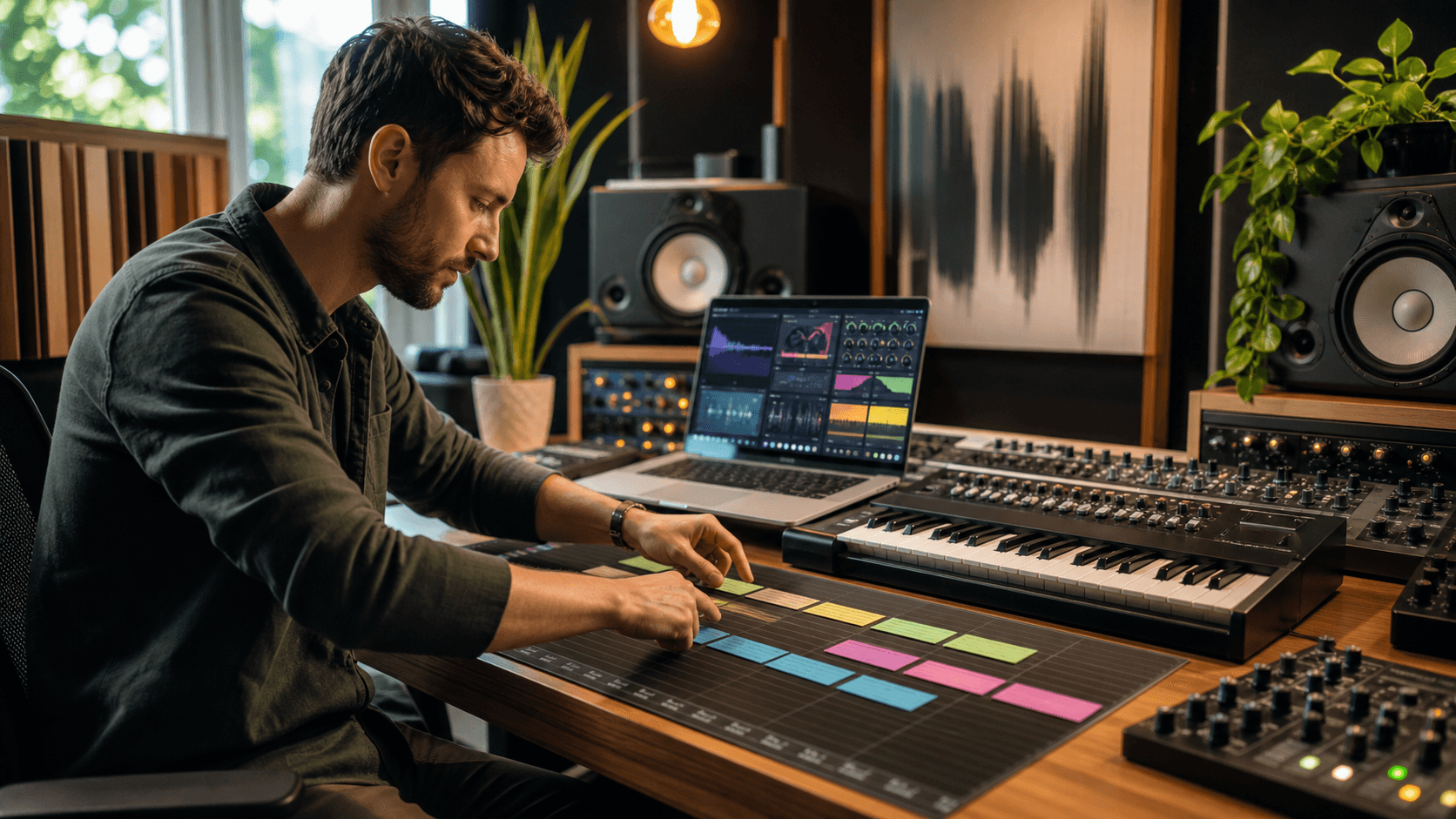
Design a Bus Architecture That Scales with You
Before adding more plugins, it helps to design how audio flows in your DAW. A smart bus layout can cut CPU use and make mixing smoother.
Start with a simple hierarchy:
- One master bus at the top
- A few main mix buses like drums, music, vocals, FX
- Subgroup buses inside those main groups when needed
So instead of putting a separate compressor and EQ on every drum track, send all drums to a Drum bus and process that bus. You can still shape a kick or snare on the track if you want, but the heavy work lives on the bus, not on every single channel.
Shared processing also saves power and glues your mix:
- One or two global reverbs on FX buses
- A couple of shared delays instead of one on each track
- A few character plugins, like saturation or tape, on mix buses
This way, your session feels rich and full, but your PC is not trying to run 20 copies of the same reverb.
It also helps to think about stems from the start. If your drums, music, vocals, and FX are already on their own buses, then:
- Freezing groups is easier
- Printing stems for remixes or collabs is a simple export
- Alternate mixes, like instrumental or acapella, are only a few clicks
Good routing now means less stress later when deadlines and heat are both rising.
Freeze and Commit Without Killing Creativity
Most music production software for PC gives you a few ways to lighten CPU: freeze, render in place, bounce, or commit. Names change by DAW, but the idea is similar.
In general:
- Freeze turns a track into audio in the background and disables live plugins, but keeps things easy to unfreeze
- Commit or render in place gives you a new audio track from the source, often letting you delete or disable the original chain
We like to think in phases.
During sound design and early writing:
- Keep your main creative instruments live
- Freeze big supporting layers that are not changing much
- Bounce only wild sound design chains that are finished
During arrangement:
- Freeze most virtual instruments once parts feel stable
- Keep only leads, key basses, and any live-played parts active
- Render heavy effect chains on buses you are not touching a lot
During mixing:
- Work mostly with audio, not live instruments
- Commit complex buses like drums or background vocals
- Only a few "hero" tracks stay flexible
Always give yourself a safety net. When you print audio:
- Keep the original MIDI or instrument track
- Mute it and color it clearly, maybe gray
- Tuck it in a folder so you can roll back if needed
This way, you get the power savings of audio, but you are not locked in forever or digging through chaos later.
Automate Buffer Settings for Heavy and Light Phases
Your buffer size is like your session's gear shift. A low buffer feels snappy for live playing, but it hits your CPU harder. A high buffer feels a tiny bit slower, but it gives your PC more breathing room.
Use that to your advantage:
- Low buffer for recording, playing keys, or jamming with plugins
- High buffer for editing, mixing, and offline work
One easy routine, especially in hot summer months when PCs already run warm:
- Morning or cooler hours: track and write with a low buffer, fewer background apps
- Afternoon and evening: raise the buffer, batch-freeze tracks, and do detailed mix moves
You can also build DAW templates around this idea:
- A "Writing" template with light sends, fewer heavy plugins, low buffer in mind
- A "Mix" template with bus processing ready, higher buffer planned, more metering
Some DAWs let you save profiles or presets for audio settings. Even if yours does not, a simple note on your template like "Writing: 128 buffer" can remind you when to flip that switch.
Version Your Projects Before They Break
Big sessions can fall apart at the worst time. A plugin crashes, edits go wrong, or a file corrupts. Simple versioning habits can save a lot of pain.
Use clear project names that show:
- Date
- Stage of the song
- Short note on what changed
For example:
SongName_Writing_Aug-12
SongName_PreMix_Aug-14_DrumsTight
SongName_Mix1_Aug-16_VocalRide
Before big changes, save a new version:
- Before swapping out key plugins
- Before committing buses or freezing half the session
- Before a long edit pass or sound design binge
That way, if something breaks, you only lose a little time, not the whole project.
For backups, think in layers:
- On-site drive or second internal drive for quick restores
- Cloud or external storage for real safety
- A light "summer clean" to archive old versions and free space before starting new, heavy projects
Regular cleanups also keep your drives from getting packed, which can help your DAW feel snappier.
Build a Future-proof PC Workflow Starting Today
When we put all of this together, we get a simple system that scales as our plugin collection grows: a clear bus layout so heavy work sits in a few spots, freeze and commit habits that match each phase of the song, buffer settings that move with what we are doing, and versioned projects that are easy to trust.
At Audio Plugin Deals, we love stacking sessions with premium virtual instruments, effects, and sample libraries. With a workflow like this, you can enjoy bigger sounds and more ambitious ideas in the music production software for PC you already know, instead of constantly chasing new hardware or new DAWs. Your PC stays responsive, your creativity stays in front, and your plugins work for you, not against you.
Get Started With Your Project Today
If you are ready to upgrade your sound and workflow, explore our curated selection of music production software for PC designed to fit every style and budget. At Audio Plugin Deals, we handpick plugins that help you finish tracks faster, with pro-quality results. Have questions about choosing the right plugins or bundles for your setup? Just contact us and we will help you build the perfect toolkit for your next project.