Unlock a Pro Sound Without Crashing Your CPU
Getting a mix to sound big, clean, and ready for release is hard enough. Doing it on a busy schedule with a DAW session that keeps stuttering or crashing can feel impossible. When deadlines hit, summer shows pop up, and new tracks are due, nobody has time to babysit a frozen project.
Heavy professional audio plugins can sound amazing, but they can also hit your CPU hard. Using only stock plugins, on the other hand, can feel a bit plain when you want that extra polish and color. This guide breaks down where premium character really matters, where stock already shines, and how to build a hybrid workflow you can turn into a reusable template for busy seasons.
When to Reach for Professional Audio Plugins
Professional audio plugins shine most when a sound has to stand out and carry the track, such as the main vocal chain, the drum or percussion bus, the mix bus, or a signature lead synth, guitar hook, or bass line. On these key parts, a premium plugin can offer more musical EQ curves and saturation, compressors that grab transients smoothly, spatial effects that sit more naturally in the mix, and advanced processing like multiband transient shaping.
What that looks like depends on your style. EDM often calls for heavy sidechain-style compression on the drum bus and thick saturation on bass and lead. Hip hop needs punchy drum buses and vocal chains with color compression and de-essing. Pop wants bright, polished vocals and glossy reverbs. Cinematic work leans on wide reverbs and subtle saturation on strings and brass.
The question to ask on every track is whether the sonic payoff justifies the CPU hit. If the difference is night and day, keep the premium plugin on that key bus or sound. If the change is barely audible, a lighter stock option keeps the session smoother.
Getting the Most From Your Stock DAW Arsenal
Stock plugins are often ignored, but they are stable, light on your computer, and built right into the DAW, which means low CPU usage, smooth automation, and easy sharing with collaborators on the same platform. They handle most utility and cleanup work well: corrective EQ, basic compression for leveling vocals or taming drum peaks, gain staging and phase work, sidechain routing, and simple effects like short delays or light modulation.
A helpful mindset is "stock first." Build the mix with stock plugins wherever possible, then only swap in a professional plugin when you can clearly hear a better result. Set up a vocal with your DAW's own EQ and compressor, for example, then drop in something like aFabFilter Pro-Q 3 orPro-C 2 in place of one stock plugin. If it suddenly feels smoother or bigger, keep it. If you are squinting to hear any difference, roll back to stock.
Building a Hybrid Session That Stays Responsive
To keep a busy project responsive, think in buses instead of loading heavy plugins on every track. Group drums to a drum bus, vocals to a vocal bus, and instruments to a music bus, then reserve your most CPU-hungry character plugins, like asaturator orreverb, for those buses rather than individual tracks. Keep stock plugins for track-level cleanup and utility work underneath.
A few habits save real CPU: freeze or commit tracks with dense chains once you are happy with them, use oversampling only where you clearly hear the benefit (a master limiter or a key saturation stage), switch to low latency mode when recording or performing and back to full quality when mixing, and use lighter quality settings on reverbs while writing, raising them only for the final print.
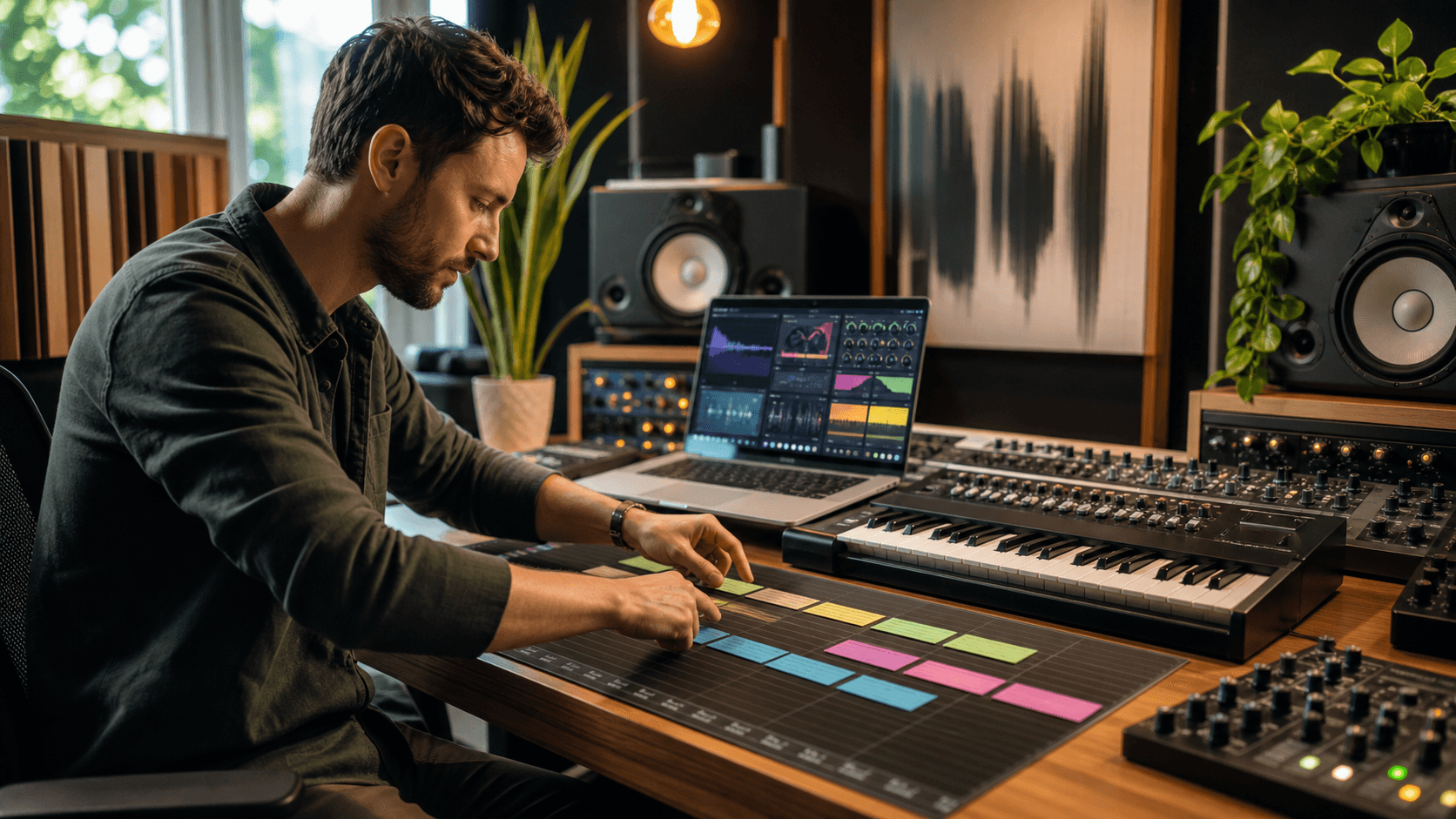
Organization matters just as much when a session gets heavy. Color-code and label your "Stock Utility" tracks for gain, routing, and simple EQ, your "Character" buses for drums, vocals, bass, and mix bus processing, and any "Print" or "Commit" tracks where you bounce down heavy chains. Clear colors, folders, and names mean your session opens faster and stays easier to handle under a tight deadline.
Smart Plugin Buying for Peak Season Projects
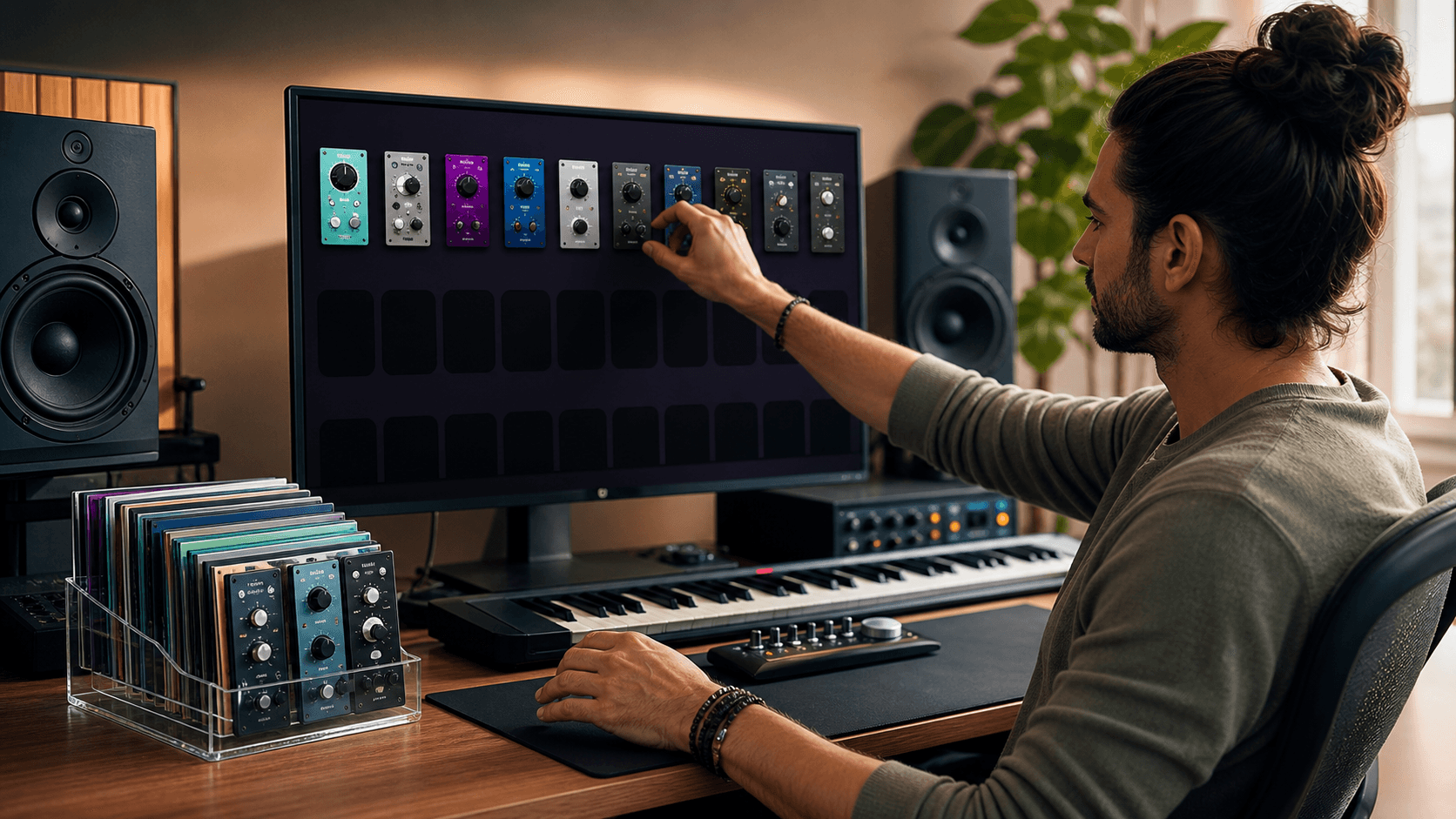
When summer shows, festivals, and sync deadlines stack up, it helps to buy with intention rather than chasing every new release. Think in terms of flagship roles: one or two go-to vocal chains (EQ, compression, maybe a character saturator), a favorite drum or bus compressor for glue and punch, a mastering chain with a limiter and EQ, and a few character reverbs and delays that match your usual vibe.
Audio Plugin Deals exists to help you build that hybrid setup without blowing the budget. Because offers rotate, you can fill clear gaps over time, whether that is a character compressor that becomes your go-to drum bus tool, or a scoring reverb that finally makes your orchestral work feel wide and deep. The goal is not to hoard plugins; it is to pick a small number that make your mix decisions faster and your sound more consistent across projects.
Turn Today's Session Into Your New Hybrid Template
Once a session feels stable, punchy, and easy on the CPU, turn that layout into a reusable template so the next project starts from a proven setup instead of a rebuild. A simple checklist to get there:
- Open a current mix that feels heavy or messy
- Find tracks running several third-party plugins where a stock option could do the same job, and swap them
- Move character processing to buses instead of individual tracks where possible
- Freeze or print any experimental sound design chains you love but do not need to keep tweaking
- Clean up colors, names, and routing so the layout makes sense at a glance
Save the result as your "Hybrid Mix Template." As you work through more songs, watch your CPU meter and note which plugins always stay versus which you rarely touch. When a deal fits one of those proven roles, you can add it with confidence, knowing it will strengthen a lean workflow instead of cluttering it.
Upgrade Your Sound With Studio-Ready Plugins Today
Take your mixes to the next level with our curated collection of professional audio plugins designed for real-world producers and engineers. At Audio Plugin Deals, we handpick plugins that deliver genuine impact on clarity, punch, and creativity. Explore our latest offers to build a more powerful, flexible toolkit without bloating your workflow. If you have questions about what fits your setup best, feel free to contact us, and we will help you choose the right options.